Blog Category

Kajabi

Master Kajabi course creation, membership community design, automated marketing pipelines, checkout optimization, and profitable digital product setup.

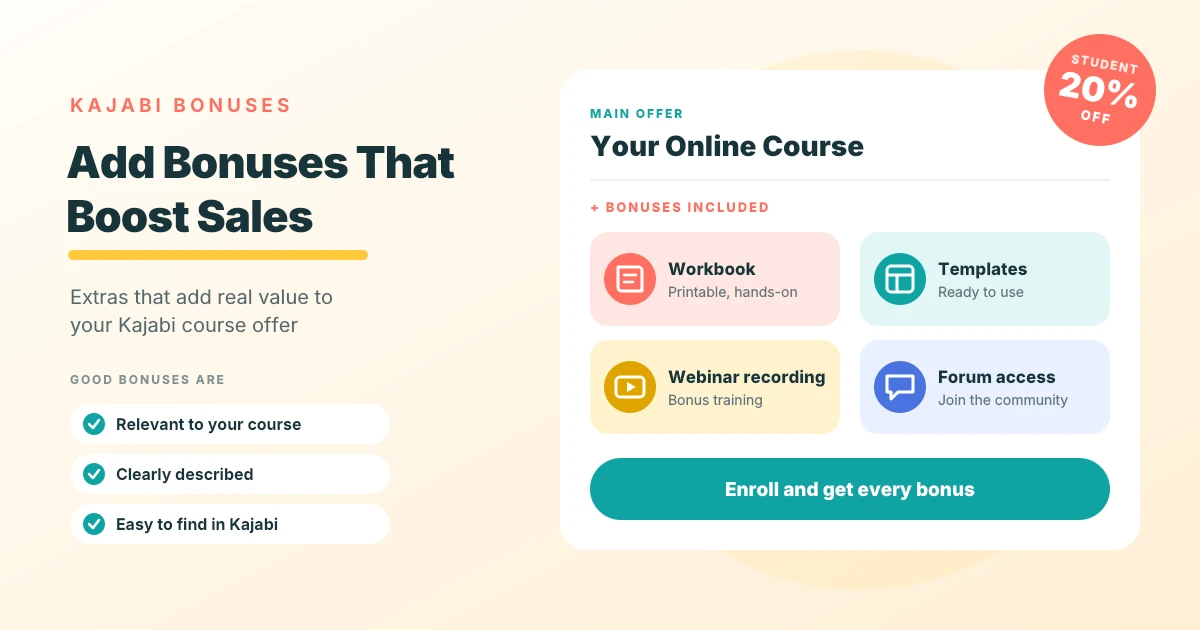
“Mock Kajabi course offer card listing four included bonuses, a workbook, templates, a webinar recording, and forum access, with a 20 percent student discount badge and an enroll button.”

How to Offer Bonuses and Incentives With Kajabi Courses?

This guide explains how course creators can use bonuses and incentives to make Kajabi courses more appealing. It explores different types of bonus content, including ebooks, templates, webinars, recordings, resource libraries, and exclusive access. It also covers how to create valuable bonuses, offer student discounts, and avoid common mistakes when adding extras to a course.

• 4 min read
Read Article
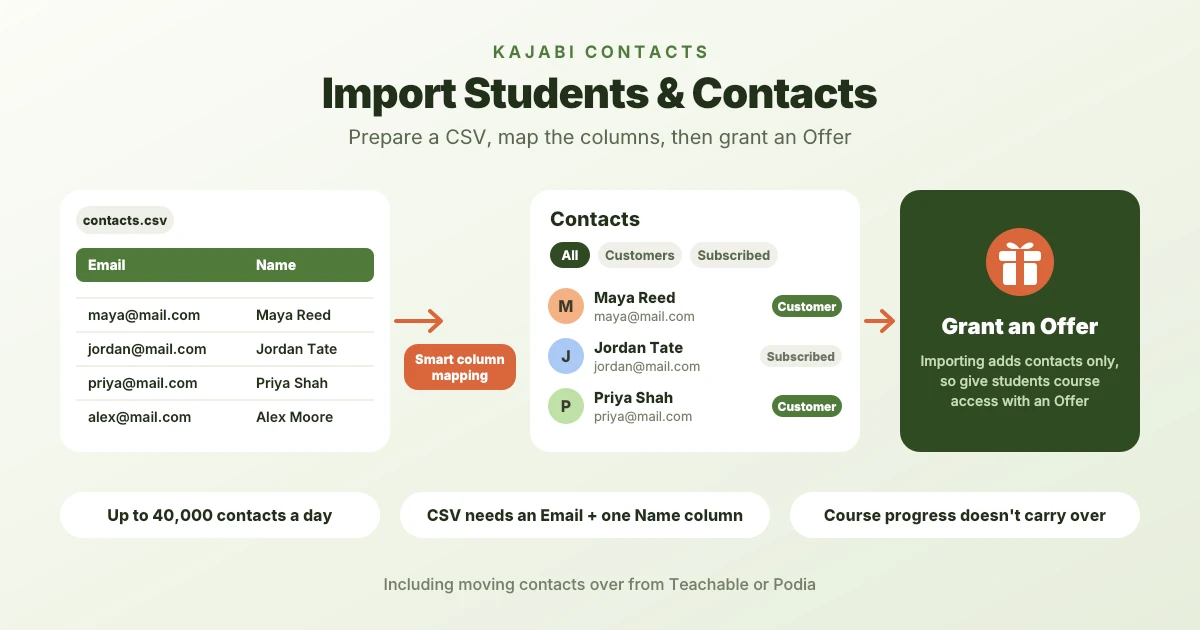
“Flow diagram showing a CSV file with Email and Name columns being mapped into Kajabi Contacts with Customer and Subscribed labels, followed by granting an Offer for course access, with notes on the 40,000 daily import limit.”

How to Import Students and Contacts Into Kajabi?

This guide explains how Kajabi's Contacts feature helps course creators manage customers, subscribers, and other contacts. It covers preparing CSV files, importing contact information in bulk, adding individual contacts, and migrating contacts from Teachable and Podia. It also explains how to assign Offers to imported students and what happens to course enrollments, passwords, and learning progress during a platform migration.

• 6 min read
Read Article
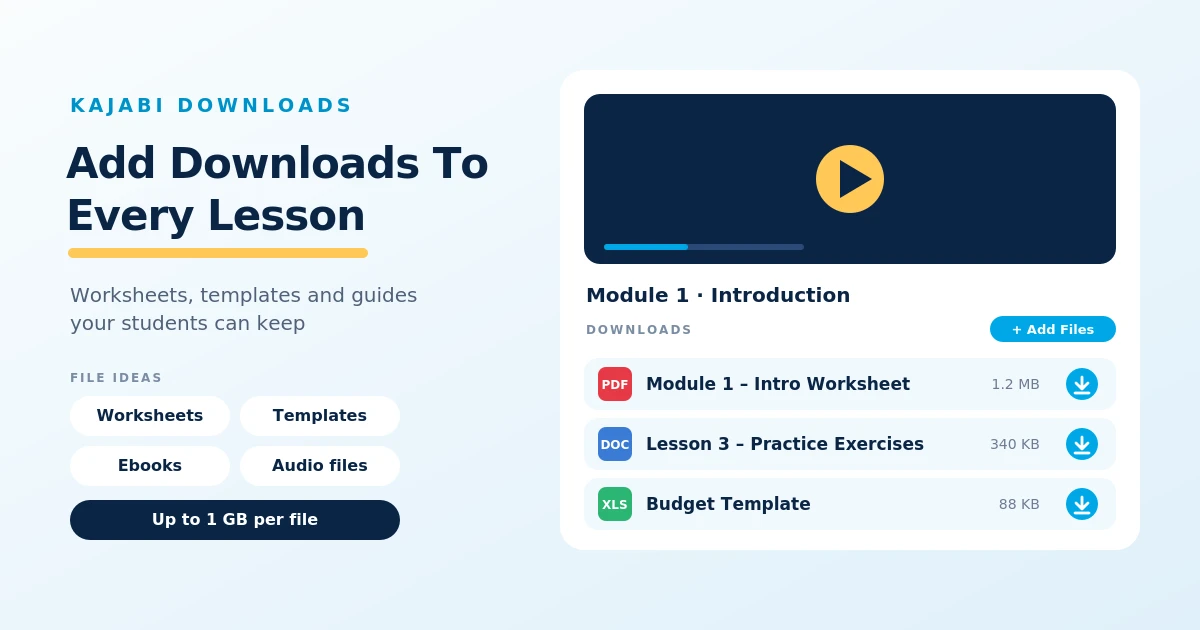
“Kajabi lesson mockup with a video player and a Downloads section listing a PDF worksheet, a Word practice exercise, and a spreadsheet template, each with a download button, beside file ideas and a 1 GB per file limit.”

How to Create Downloadable Resources for Kajabi Students

This guide explains how Kajabi course creators can provide downloadable resources such as worksheets, PDF guides, templates, spreadsheets, and ebooks. It covers uploading files to course lessons, organizing resources for easy access, downloading materials on mobile devices, and troubleshooting common download problems.

• 5 min read
Read Article
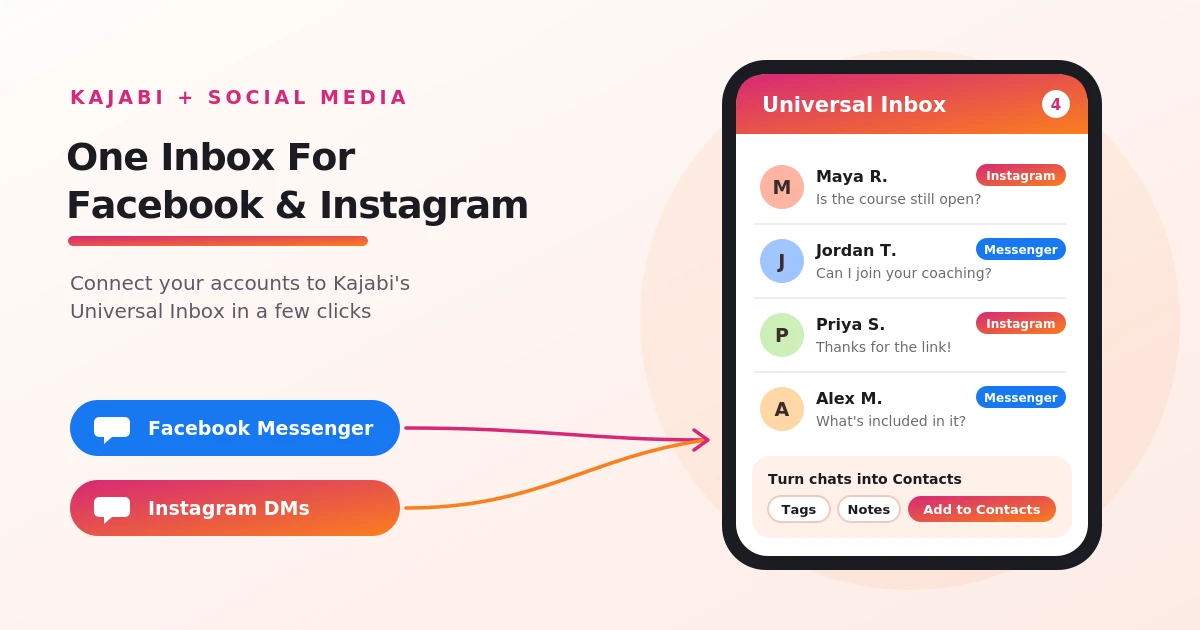
“Illustration of Facebook Messenger and Instagram DMs flowing into Kajabi’s Universal Inbox on a phone screen, with sample conversations and options to add tags and notes and turn chats into Contacts.”

How to Connect Kajabi to Facebook and Instagram?

This guide explains how to connect Facebook and Instagram to a Kajabi account through its Universal Inbox feature. It covers the connection process, account permissions, supported messaging features, and the benefits of managing social conversations alongside Kajabi contacts. It also explains why the integration is optional and when it may be useful for course creators and online business owners.

• 3 min read
Read Article
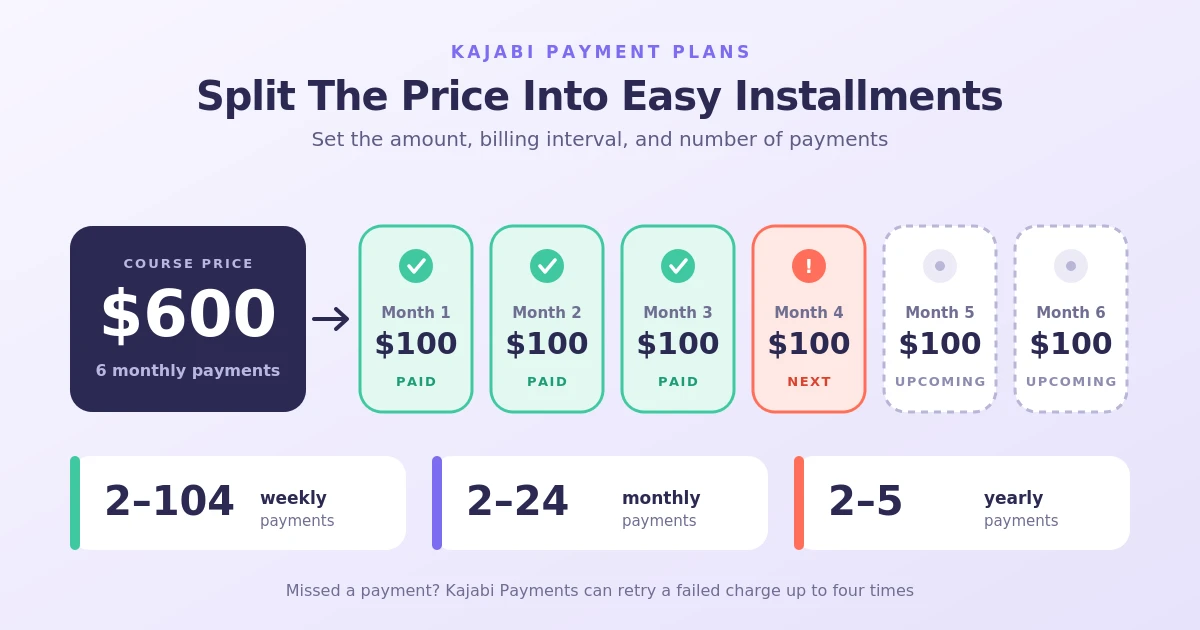
“Graphic showing a $600 course price split into six $100 monthly installments, with three paid, one next, and two upcoming, plus Kajabi payment plan limits of 2 to 104 weekly, 2 to 24 monthly, or 2 to 5 yearly payments.”

Can You Offer Payment Plans for Kajabi Courses? 

This guide explains how Kajabi payment plans work and how course creators can set them up through Offers. It covers supported billing intervals, installment limits, trial periods, setup fees, failed payments, cancellations, refunds, and the differences between payment plans and subscriptions. It also explains how to manage customer payment plans and make course pricing more flexible.

• 6 min read
Read Article
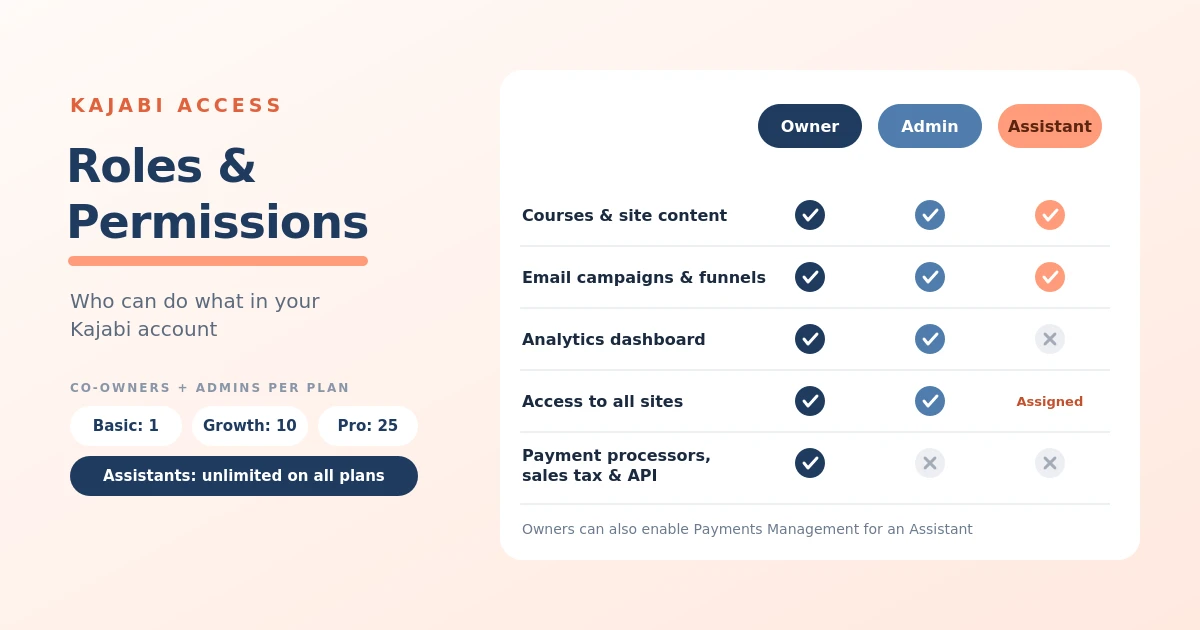
“Permissions chart comparing Kajabi Owner, Admin, and Assistant roles across courses, email and funnels, analytics, site access, and payment processor, sales tax, and API setup, with admin seat limits by plan and unlimited Assistants.”

Kajabi User Roles and Permissions: How Does Account Access Work? 

This guide explains Kajabi's user roles and permission settings, including the differences between Owners, Administrators, and Assistants. It covers how to add team members, customize their access, understand user limits by subscription plan, and suspend accounts when access is no longer required.

• 7 min read
Read Article
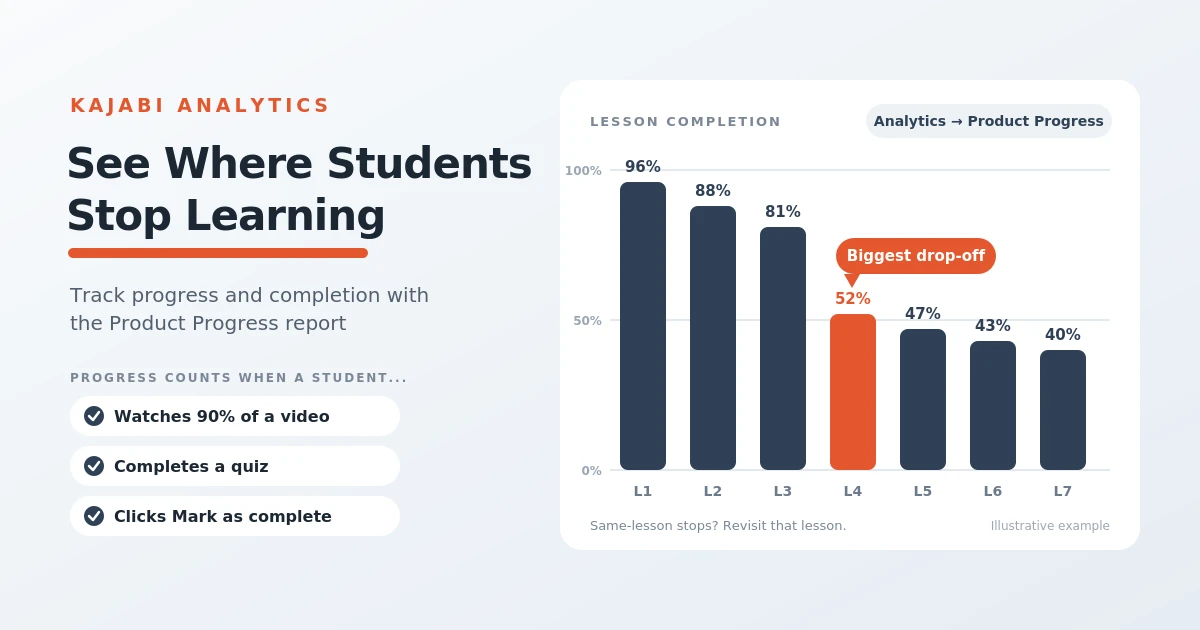
“Bar chart of lesson completion across seven lessons with the fourth lesson highlighted as the biggest drop-off, beside a list of how Kajabi counts progress: watching 90% of a video, completing a quiz, or clicking Mark as complete.”

How Does Kajabi Track Student Progress and Completion Rates?

This guide explains how Kajabi tracks student progress and course completion through its Product Progress Report. It covers how to access individual learner records, monitor lesson and quiz completion, identify where students stop progressing, export reports, and use learner activity data to improve course content and engagement.

• 4 min read
Read Article
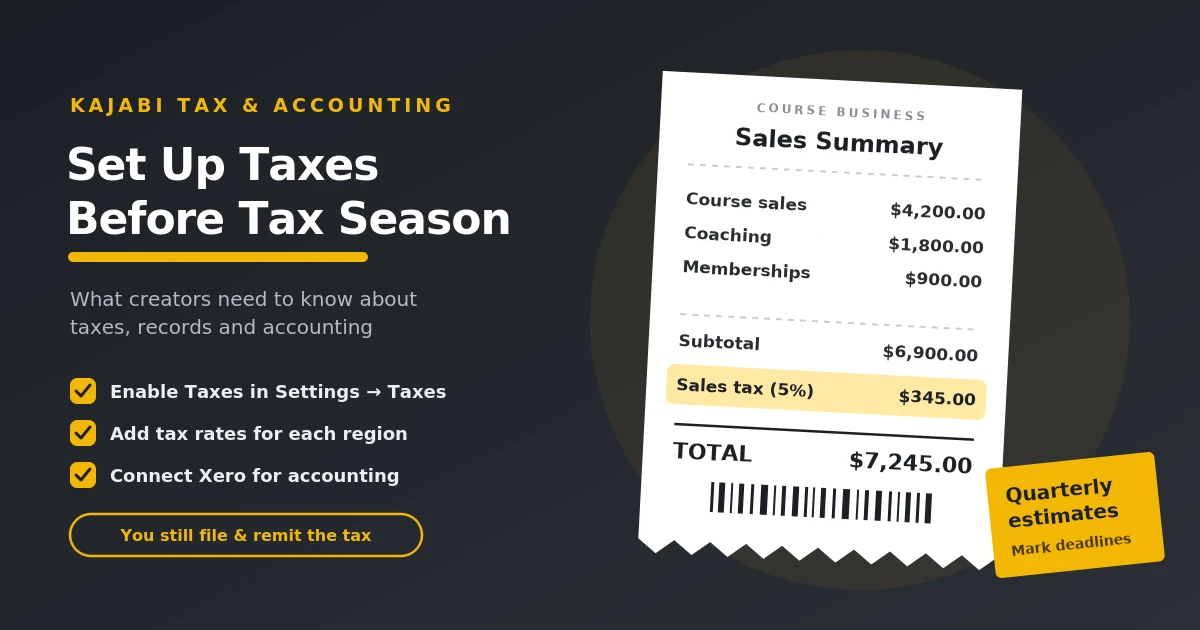
“Receipt-style sales summary showing course sales, coaching, memberships, a highlighted 5% sales tax line, and a total, beside a checklist to enable taxes in Kajabi, add tax rates, and connect Xero, with a reminder about quarterly estimated taxes.”

Kajabi Tax and Accounting Setup: What Creators Need to Know

This guide explains the tax and accounting responsibilities of online course creators using Kajabi. It covers income reporting, business expense tracking, estimated tax payments, configuring sales tax, connecting accounting software such as Xero, and avoiding common tax mistakes. It also explains why creators should verify their obligations based on their country, business structure, and applicable tax laws.

• 5 min read
Read Article
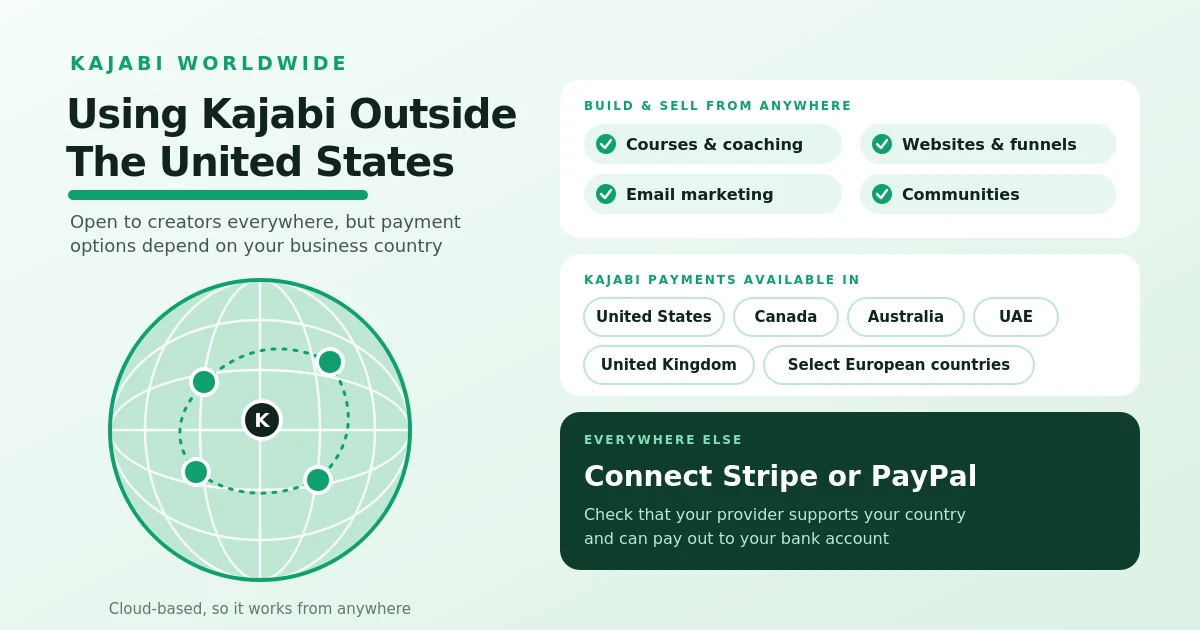
Graphic about using Kajabi outside the United States: a globe with connected locations, a list of features available worldwide, the countries where Kajabi Payments is available, and a note to connect Stripe or PayPal elsewhere.”

Can You Use Kajabi if You're Outside the United States?

This guide explains how creators outside the United States can use Kajabi to build websites, host courses, market digital products, and manage their online businesses. It explores international payment options, Kajabi Payments availability, challenges for Pakistan-based creators, and the key financial, legal, and business requirements to check before getting started

• 4 min read
Read Article
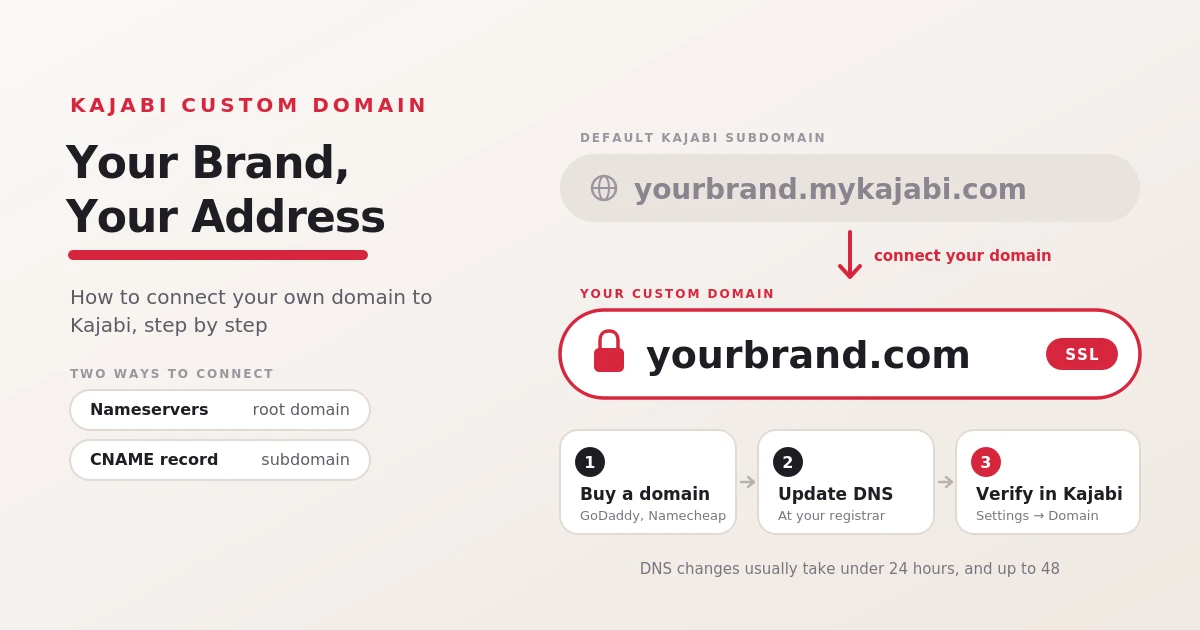
Graphic showing a default Kajabi subdomain, yourbrand.mykajabi.com, being replaced by a secured custom domain, yourbrand.com, with three steps: buy a domain, update DNS, and verify in Kajabi.

Can I use my own Domain with Kajabi?

This guide explains how to connect a custom domain to Kajabi, including the benefits of branded URLs, setup instructions, and the differences between root domains and subdomains. It also covers existing domains, DNS propagation, common connection problems, SSL, and email configuration considerations.

• 5 min read
Read Article
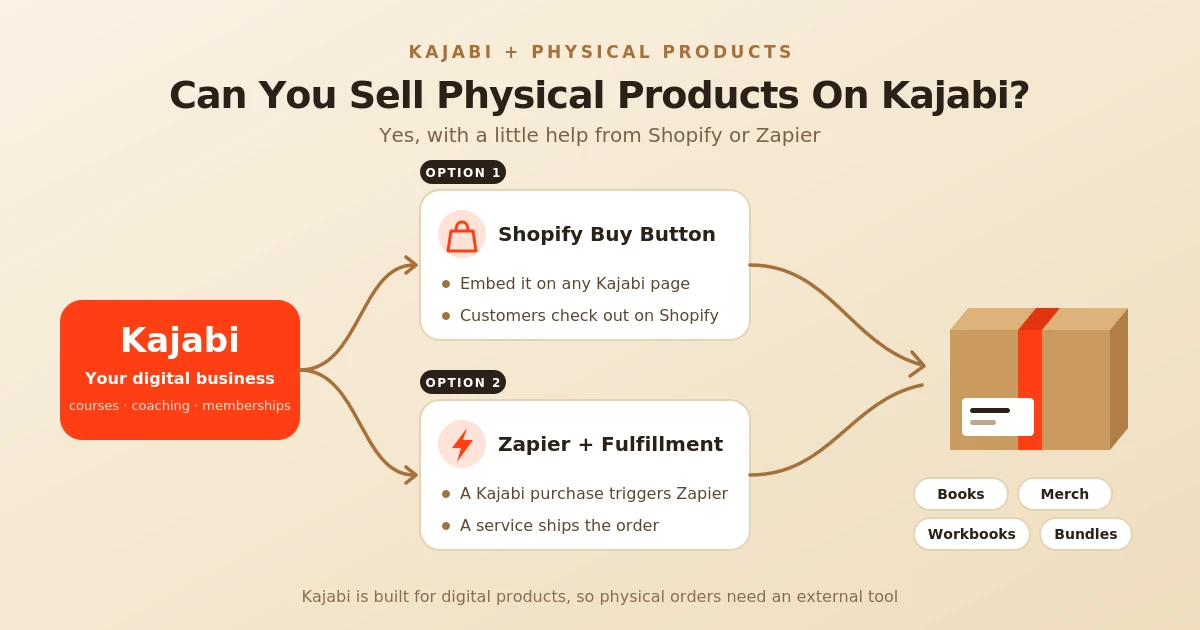
Diagram showing Kajabi branching into two ways to sell physical products, a Shopify Buy Button embedded on a Kajabi page or Zapier triggering a fulfillment service, both leading to a shipped box of books, merch, workbooks, and bundles.”

Can I Sell Physical Products on Kajabi?

This guide explains how creators can sell physical products alongside digital offerings on Kajabi using external tools such as Shopify and Zapier. It covers setup methods, examples of physical products, benefits and limitations, fulfillment considerations, and how to decide whether Kajabi or a dedicated ecommerce platform is the right fit.

• 5 min read
Read Article
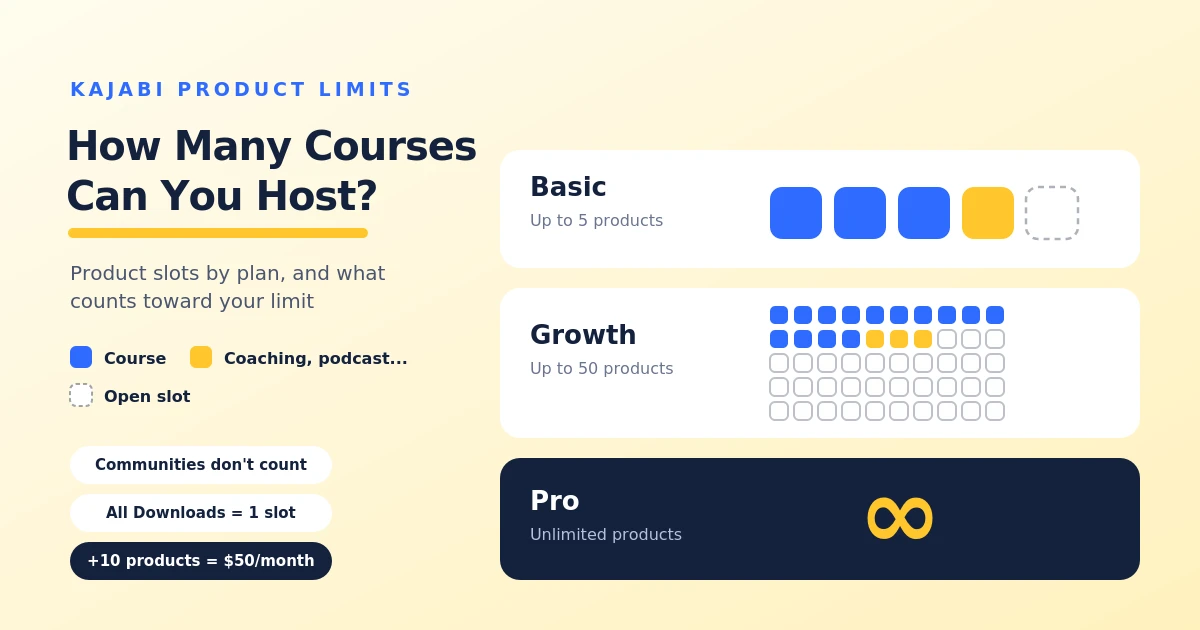
Graphic of Kajabi product slots by plan: Basic allows up to 5 products, Growth up to 50, and Pro is unlimited, with notes that communities don’t count, all downloads use one slot, and 10 extra products cost $50 per month.

How Many Online Courses Can You Host on Kajabi?

This guide explains Kajabi's course and product limits across the Basic, Growth, and Pro plans. It covers which products count toward the limit, managing multiple courses under one account, options when you reach your limit, plan selection, and frequently asked questions about additional product capacity and memberships.

• 4 min read
Read Article
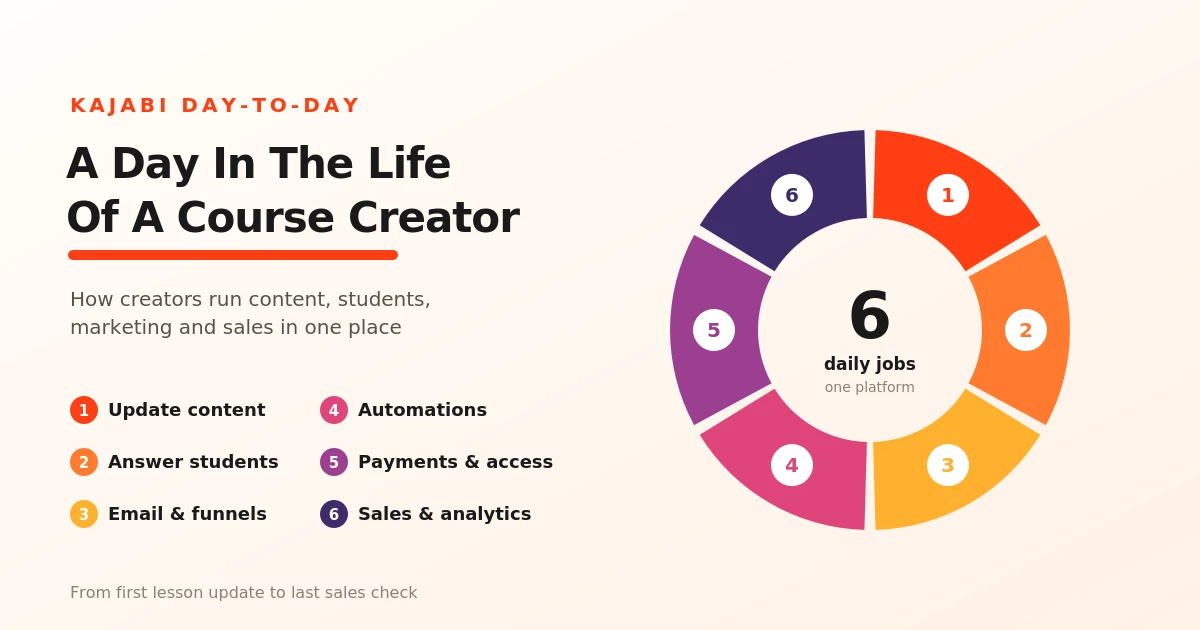
Ring chart titled ‘A Day in the Life of a Course Creator’ showing six daily Kajabi tasks: updating content, answering students, email and funnels, automations, payments and access, and sales and analytics

How Do Real Course Creators Use Kajabi Day-to-Day?

This guide explores how online course creators use Kajabi to manage their daily responsibilities. It covers course content updates, student communication, email marketing, sales funnels, automation, payment management, course access, analytics, and long-term business growth.

• 4 min read
Read Article
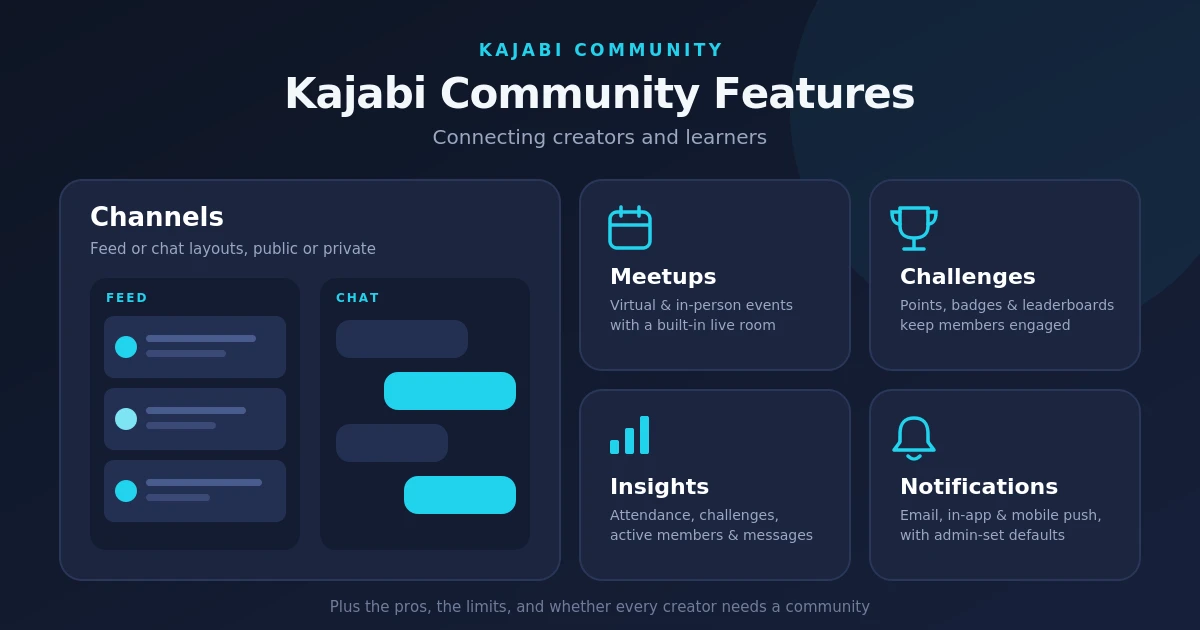
“Feature overview of Kajabi Community showing Channels in feed and chat layouts, plus Meetups, Challenges with points and badges, Insights analytics, and Notifications.

Kajabi Community Features: Connecting Creators and Learners

This guide explores Kajabi Community features for connecting creators and learners through discussions, events, challenges, gamification, analytics, and notifications. It also covers customization options, moderation limitations, pros and cons, and when creating a community makes sense for an online business.

• 4 min read
Read Article
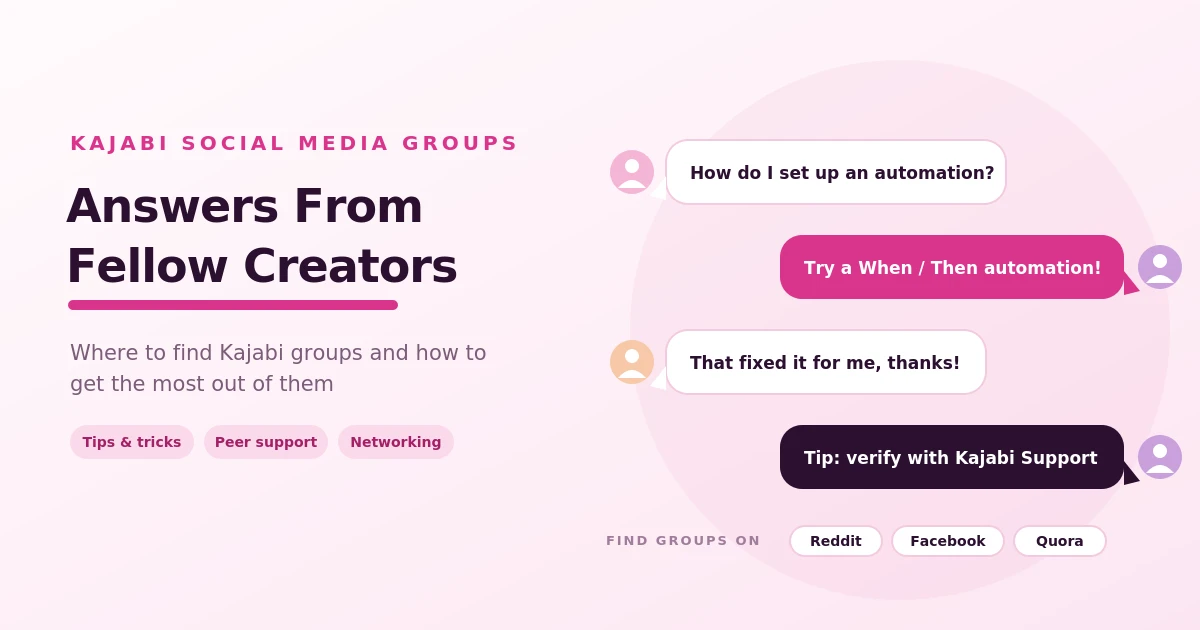
Group chat illustration showing Kajabi creators in a social media group asking a question, getting a reply and a thank-you, and a tip to verify advice with Kajabi Support, with Reddit, Facebook, and Quora listed as places to find groups

Finding Support in Kajabi Social Media Groups

This guide explains how Kajabi social media groups support creators through peer advice, discussions, networking, and community feedback. It explores the benefits of joining these groups, where to find Kajabi communities online, how to participate effectively, and how to verify advice before applying it to your business.

• 3 min read
Read Article
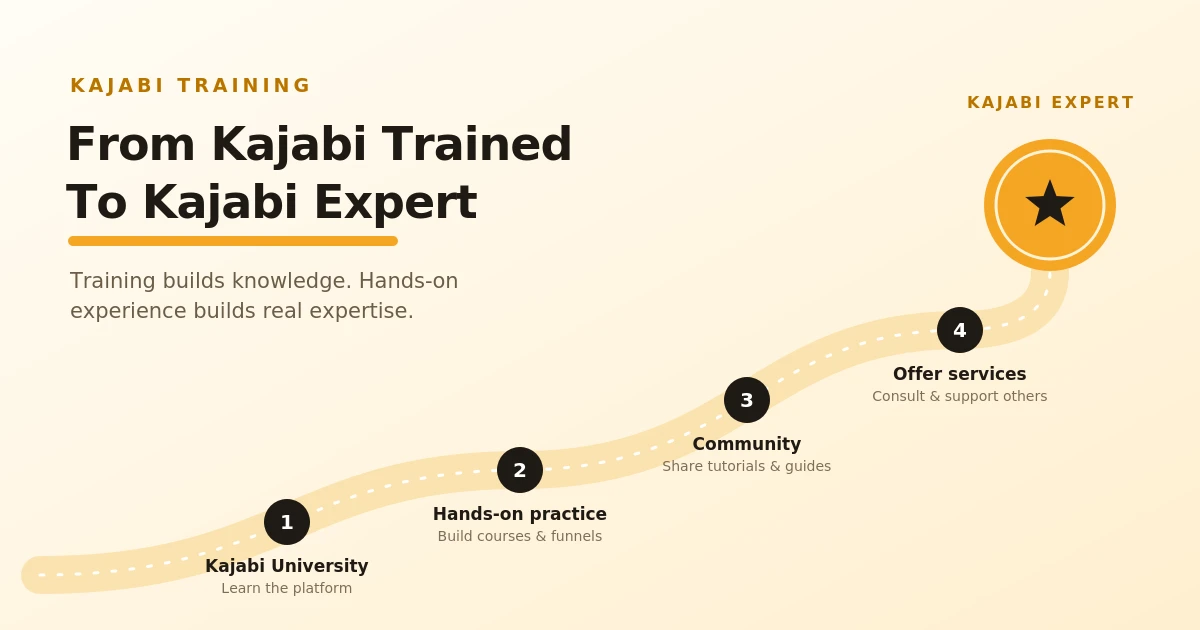
Winding road with four numbered stops (Kajabi University, hands-on practice, community, and offering services) leading to a gold Kajabi Expert badge, illustrating the path from Kajabi trained to Kajabi expert.

How to Get Kajabi Certified or Trained

This guide explains how to learn Kajabi and develop the skills needed to support online businesses. It covers Kajabi University, course creation, website and product setup, marketing, sales funnels, community engagement, portfolio development, and consulting opportunities. It also explains the difference between completing Kajabi training and earning an official certification.

• 5 min read
Read Article
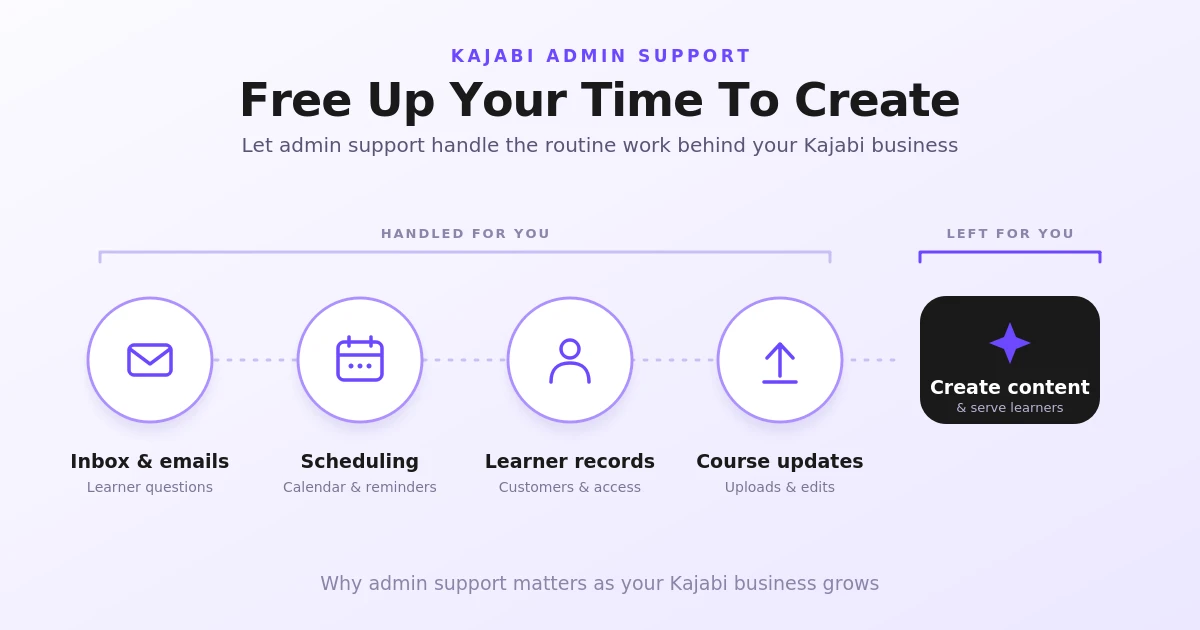
Diagram showing Kajabi admin support handling inbox and emails, scheduling, learner records, and course updates, leaving creators free to focus on creating content and serving learners.

Kajabi Admin Support: Managing Tasks as Your Business Grows

This guide explains how administrative support can help Kajabi course creators manage routine responsibilities as their businesses grow. It covers the importance of admin support, how Kajabi supports business growth through integrated tools and automation, and how administrative assistance can help with daily tasks, customer communication, course updates, and business organization.

• 4 min read
Read Article
Official Kajabi Logo: B2B Invoicing and ACH Bank Transfers for 2026 and 2027

Invoice Payment via ACH Bank Transfer in Kajabi: B2B Invoicing (2026 & 2027)

Financial engineering analysis of ACH bank transfer invoice payments in Kajabi Timberline. Explores corporate procurement protocols, merchant fee reductions, settlement latency management, and 2027 automated multi-seat B2B invoicing.

• 6 min read
Read Article

More Kajabi Articles (102)

Not sure which article applies to your course or LMS?

Share your course, Kajabi setup, LMS, training content, or platform question. TheEduAssist will review your setup within 24–48 hours and suggest the next best step.