
Kajabi vs WordPress: Which Is Better for Online Courses?
Kajabi and WordPress take very different approaches to building an online course business. This guide compares their course features, SEO capabilities, pricing, customization, marketing tools, maintenance, and ease of use to help you understand which platform fits your needs.
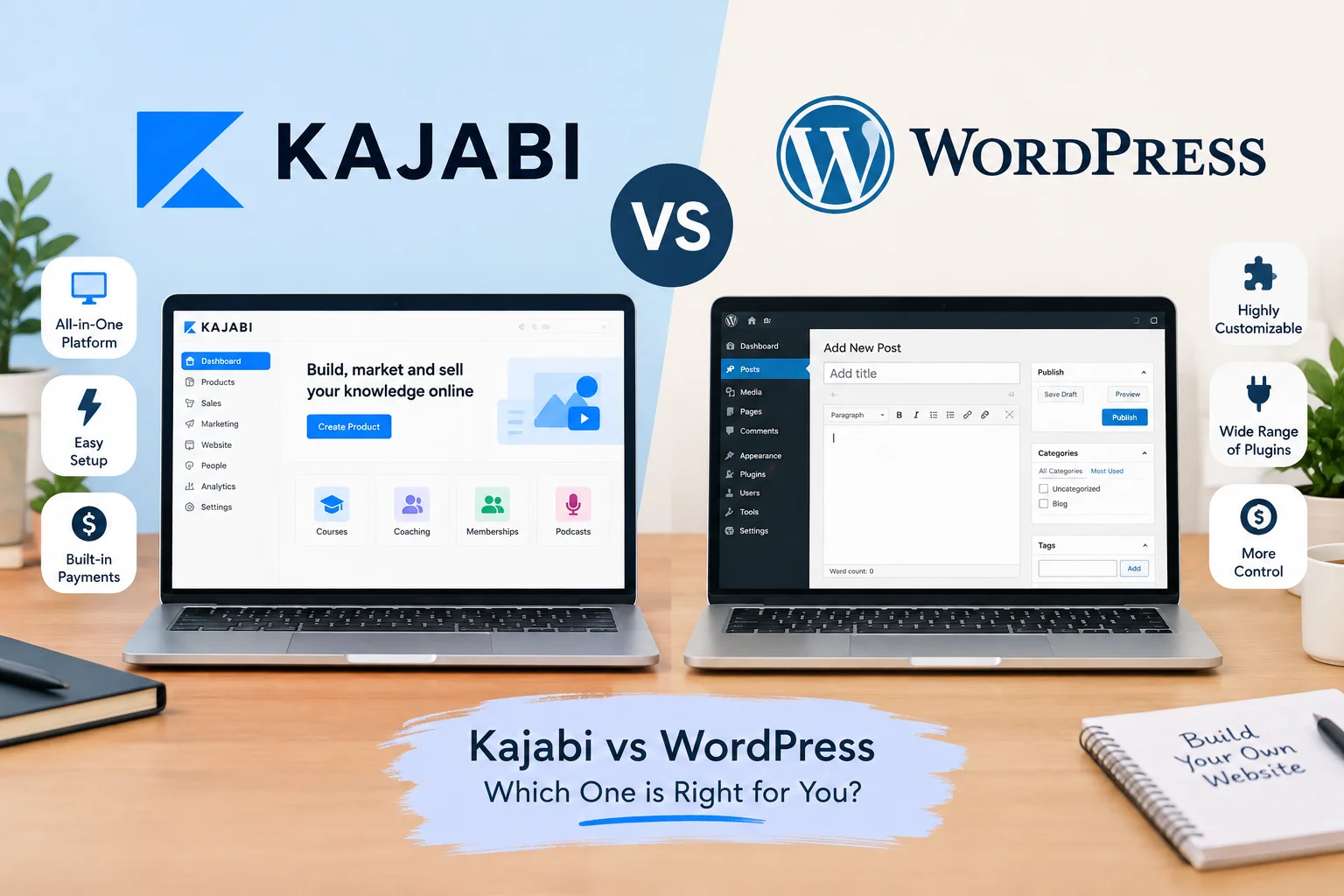
Table of Contents ▼
Quick Answer
This article compares Kajabi and WordPress for online course creators, coaches, consultants, and online businesses. It examines course creation, website design, SEO, blogging, email marketing, pricing, customization, maintenance, ownership, and scalability. The guide explains the differences between Kajabi's integrated platform and WordPress's flexible, open-source approach.
Choosing a platform for an online course business is about more than picking a website builder. Your platform affects how you create and sell courses, manage students, publish content, collect payments, build an audience, and scale your business.
Two platforms that often come up in this decision are Kajabi and WordPress. However, they take very different approaches.
Kajabi is a hosted, all-in-one platform designed around online courses, digital products, memberships, coaching, websites, marketing, email, and payments. Its official online course platform combines course creation, marketing, payments, and community features in one system.
WordPress is an open-source content management system that can be extended through themes, plugins, and custom development. The official WordPress documentation highlights its flexibility, publishing tools, themes, plugins, and customization options.
So, which one should you choose?
The answer depends on what you need from your website, how much technical control you want, and how much time you are willing to spend managing the system.
This guide compares Kajabi and WordPress across course creation, SEO, design, marketing, pricing, maintenance, customization, and long-term use.
Kajabi vs WordPress: Quick Comparison
| Feature | Kajabi | WordPress |
|---|---|---|
| Platform type | Hosted all-in-one platform | Open-source CMS |
| Course creation | Built into the platform | Usually requires an LMS plugin or additional setup |
| Website | Built in | Built in through themes and plugins |
| Email marketing | Built in | Usually requires a plugin or external service |
| Funnels | Built in | Requires plugins or external tools |
| Payments | Built-in payment integrations | Requires payment plugins/services |
| Design flexibility | Good, with platform limitations | Very high |
| SEO flexibility | Good for standard SEO needs | Extensive with plugins and custom development |
| Plugins | No traditional WordPress-style plugin ecosystem | Large plugin ecosystem |
| Hosting | Managed by Kajabi | Usually arranged separately |
| Maintenance | Managed platform | Site owner or developer manages it |
| Technical control | More limited | Extensive |
| Learning curve | Generally simpler for an all-in-one setup | Depends on the theme, plugins, hosting, and setup |
| Best fit | Course-focused businesses wanting an integrated system | Businesses wanting flexibility and control |
The key difference is that you are not comparing two identical products.
Kajabi gives you a connected business platform where many functions are already integrated. WordPress gives you a flexible foundation that you can build into a highly customized system.
What Is Kajabi?
Kajabi is an all-in-one platform designed for businesses that sell knowledge-based products and services.
Its platform brings together course creation, websites, products, communities, landing pages, marketing, payments, and other business functions. Kajabi describes its online course platform as a system where products, marketing, payments, and delivery can work together.
For someone building a course business, this can reduce the need to connect multiple separate platforms.
For example, a course creator might use Kajabi to manage:
- Website
- Online courses
- Landing pages
- Email campaigns
- Sales funnels
- Community
- Payments
- Customer contacts
If you are also exploring the design side of Kajabi, you can learn more about Kajabi templates here: Kajabi templates
The tradeoff is that you are working within Kajabi’s platform and its available customization options. You get a more integrated environment, but you do not have the same underlying technical freedom that comes with an open-source CMS.
What Is WordPress?
WordPress is an open-source content management system. It is licensed under the GPL and can be modified, extended, and customized.
WordPress is not specifically an online course platform. Instead, you can turn a WordPress website into a course business by combining it with an LMS plugin, membership system, payment solution, email platform, and other tools.
WordPress’s official documentation also highlights themes and plugins as major ways to customize and extend a website.
A WordPress course website could include:
- WordPress
- An LMS plugin
- A page builder or block-based design
- An SEO plugin
- A payment system
- An email marketing platform
- A membership plugin
- Analytics tools
- Security and backup tools
This flexibility can be valuable, but it also means you are responsible for managing more moving parts.
Kajabi vs WordPress for Online Courses
This is one of the biggest differences between the two platforms.
Kajabi is designed around knowledge businesses, so course creation is part of the core platform. Kajabi currently supports different course formats, including evergreen and cohort courses, with options for lessons, quizzes, downloadable files, and structured modules.
WordPress can also power online courses, but you normally need additional software to turn the website into a complete learning platform.
That means the setup process can look very different.
With Kajabi:
Create account → build website → create product → add lessons → connect marketing → sell
With WordPress:
Set up hosting → install WordPress → choose theme → configure LMS → configure payments → configure email → configure security → build course
Neither process is automatically right or wrong.
The better fit depends on how much control and setup you want.
Kajabi vs WordPress: Ease of Use
For someone who wants an integrated course business platform, Kajabi can reduce the number of separate systems that need to be configured.
Kajabi manages the hosted platform environment and combines multiple business functions under one account. Its current platform includes products, websites, communities, and marketing-related features.
WordPress can also be straightforward once properly configured, but the overall experience depends heavily on your hosting provider, theme, plugins, and technical setup.
A simple blog may require very little technical work. A complex course website can require considerably more configuration.
Kajabi may suit you if:
- You want fewer technical decisions
- You prefer one central platform
- You want built-in course functionality
- You want integrated marketing tools
- You prefer managed hosting
WordPress may suit you if:
- You want more control
- You need custom functionality
- You want access to a large selection of themes and plugins
- You want full control over your website architecture
- You are comfortable managing your technology stack
Kajabi vs WordPress for Website Design
Both platforms can create professional websites, but they approach design differently.
Kajabi provides website-building tools and templates within its platform. WordPress provides a broader ecosystem of themes, blocks, plugins, and custom development.
WordPress’s official documentation explains that themes control the presentation of website content, while plugins can add functionality.
If you need a highly customized website, WordPress gives you more room to experiment.
For example, you can create custom:
- Landing pages
- Navigation systems
- Content types
- Membership areas
- Product pages
- Blog layouts
- Interactive features
Kajabi can still be customized, but you are working within its platform architecture.
For many course creators, that tradeoff can be worthwhile if they value a simpler setup over complete technical control.
Kajabi vs WordPress for SEO
SEO is an important consideration if Google is expected to be a major source of traffic.
WordPress has a large SEO ecosystem. Its official plugin directory includes SEO tools and other plugins that can extend website functionality.
WordPress also provides considerable control over website structure, content, URLs, themes, plugins, and custom development.
Kajabi supports important SEO fundamentals, but its approach is more controlled because you are working within a hosted platform.
This does not mean that a Kajabi website cannot attract organic traffic.
It means that the SEO workflow is different.
For example, organic growth on either platform still depends on:
- Search intent
- Useful content
- Keyword research
- Internal linking
- Technical accessibility
- Page experience
- Website authority
- Search demand
- Competition
A WordPress website with dozens of SEO plugins will not automatically rank.
Likewise, simply publishing a blog on Kajabi will not automatically generate organic traffic.
The strategy matters more than the platform alone.
If you are planning a content-led Kajabi strategy, our guide to Kajabi blogging strategy can provide additional guidance: Kajabi blogging strategy
Which Is Better for Blogging?
If content marketing is central to your business, WordPress offers a particularly flexible publishing environment.
WordPress was built as an open-source publishing platform and provides tools for managing posts, pages, media, themes, plugins, and other content structures.
This can be useful for businesses that plan to build a large content library.
For example, a business might publish:
- Tutorials
- Guides
- Comparisons
- Case studies
- Research
- Industry reports
- Glossaries
- Educational resources
Kajabi can also support blogging and content publishing, but businesses with highly complex content structures may prefer the greater flexibility available through WordPress.
Kajabi vs WordPress for Marketing
Kajabi’s major difference is how several marketing functions are integrated into the same platform.
Its current product ecosystem combines courses with websites, marketing, payments, communities, and other business functions.
That can make the customer journey easier to manage.
For example:
Blog post → lead magnet → email sequence → sales page → course
can be managed within one ecosystem.
With WordPress, you can build the same journey, but you may need several plugins or external services.
That gives you more choice but also introduces more configuration and maintenance.
If you want to understand how these components can work together, see our guide to Kajabi sales funnel setup: Kajabi sales funnel setup
Kajabi vs WordPress for Email Marketing
Email marketing is another important difference.
Kajabi includes marketing email functionality as part of its broader business platform.
With WordPress, email marketing usually requires an external provider or plugin.
The advantage of the WordPress approach is choice. You can select the email platform that best fits your requirements.
The advantage of Kajabi is integration. You do not need to assemble the same type of technology stack yourself.
Kajabi vs WordPress Pricing
Pricing is one of the areas where comparisons can become misleading.
WordPress itself is open-source software and can be downloaded for free. However, a self-hosted WordPress website still requires hosting and may require paid themes, plugins, development, email services, security tools, or other services.
WordPress’s official download page explains that users can install the software themselves with their own hosting and domain or use a hosting provider.
Kajabi uses a subscription model.
As of September 2026, Kajabi’s official pricing page lists:
- Basic: $179/month or $143/month when billed annually
- Growth: $249/month or $199/month when billed annually
- Pro: $499/month when billed annually or monthly pricing as displayed by Kajabi
The plans differ in products, contacts, websites, communities, and administrative limits.
You can check the latest figures directly on Kajabi’s current pricing page before publishing or updating this article: Kajabi pricing
So the comparison should not simply be:
WordPress = free
versus
Kajabi = expensive
A more realistic comparison is the total system you need.
For WordPress, consider:
- Hosting
- Domain
- LMS
- Email marketing
- Payment processing
- Security
- Backups
- Premium plugins
- Design
- Development
- Maintenance
For Kajabi, much of the infrastructure is bundled into the subscription.
What About Long-Term Costs?
The total cost can change as your business grows.
A WordPress setup might start relatively small and then become more expensive as you add premium tools, development, better hosting, and maintenance.
Kajabi has a clearer recurring subscription cost, but that cost can be significant for smaller businesses.
The most useful question is:
What does the complete system cost me each month and how much time does it require to maintain?
Time has a cost too.
If managing plugins, security, integrations, and technical issues takes several hours every month, that should be part of your calculation.
Kajabi vs WordPress for Customization
This is where WordPress has a major structural advantage.
WordPress is open source and designed to be extended. Its official documentation highlights themes, plugins, APIs, custom content types, and other development options.
You can build highly customized experiences.
For example:
- Custom membership systems
- Advanced directories
- Complex databases
- Custom dashboards
- Specialized search
- Unique checkout experiences
- Custom integrations
WordPress’s official plugin directory currently contains tens of thousands of free plugins, giving site owners many options for extending functionality.
Kajabi provides customization options, but the platform is designed around a more controlled ecosystem.
If your business requires unusual functionality, WordPress may provide more freedom.
If your requirements are already covered by Kajabi’s existing tools, the additional flexibility of WordPress may not be necessary.
Kajabi vs WordPress for Maintenance
This is an important difference that is sometimes overlooked.
With a self-hosted WordPress website, you are responsible for the technology stack.
That can include:
- WordPress updates
- Plugin updates
- Theme updates
- Backups
- Security
- Hosting
- Compatibility
- Performance
- Troubleshooting
WordPress provides official documentation and requirements for running the software, while the hosting environment remains part of the website owner’s setup.
Kajabi handles the underlying platform infrastructure for you.
That means you generally spend less time thinking about server-level maintenance.
For a non-technical course creator, that difference can be significant.
If website performance is an important part of your Kajabi setup, you can also explore Kajabi website speed optimization for additional guidance: Kajabi website speed optimization
Data and Ownership
WordPress’s open-source model provides extensive control over your website and its underlying data. WordPress explicitly highlights data ownership as one of the platform’s features.
With Kajabi, your business operates inside a hosted SaaS platform.
This makes management simpler, but it also means you are dependent on the platform’s infrastructure, features, policies, and available export capabilities.
This does not make either approach automatically better.
It simply represents two different models:
WordPress: more control over the underlying system.
Kajabi: more managed infrastructure.
If portability and technical ownership are major priorities, investigate exactly what data and content you can export before committing to either platform.
Kajabi vs WordPress for Beginners
A beginner’s needs are often different from those of an experienced developer.
Someone launching their first coaching program may want to avoid spending weeks selecting:
- Hosting
- Themes
- LMS plugins
- Payment systems
- Email platforms
- Security tools
For that person, an integrated platform can reduce the number of decisions.
Someone who already knows WordPress may have a completely different experience.
If you are comfortable managing hosting and plugins, the flexibility of WordPress may feel natural rather than complicated.
Which Platform Is Better for an SEO-Focused Business?
If organic search is the main acquisition channel, WordPress offers extensive SEO flexibility through its publishing architecture and plugin ecosystem.
WordPress’s official plugin directory includes dedicated SEO tools, including Yoast SEO, alongside many other website optimization plugins.
However, platform flexibility does not replace SEO strategy.
A well-planned Kajabi website can still publish useful content, optimize important pages, build authority, and attract organic visitors.
The decision should therefore consider how much SEO control you actually need.
If you are planning a very large content operation with advanced technical SEO requirements, WordPress gives you more room to customize.
If SEO is one part of a broader course business and you value an integrated system, Kajabi may provide enough functionality for your needs.
Can You Use WordPress and Kajabi Together?
Yes.
Some businesses use WordPress for their public website and content strategy while using Kajabi for courses, memberships, or other business functions.
A hybrid setup can make sense when a company wants WordPress’s publishing flexibility while keeping course delivery and business tools inside Kajabi.
However, it also creates another consideration:
You now have two platforms to manage.
You need to think about:
- Branding consistency
- Navigation
- Analytics
- Domains and subdomains
- SEO
- Tracking
- User journeys
- Content management
A hybrid system can be useful, but it should solve a real business requirement rather than add complexity without a clear benefit.
Pros and Cons of Kajabi
Kajabi advantages
- Course functionality is built into the platform
- Website and marketing tools are integrated
- Email marketing is included
- Funnels and landing pages are available
- Hosting is managed
- Less plugin maintenance
- Designed around knowledge-based businesses
Kajabi limitations
- Higher recurring subscription cost
- Less technical freedom than WordPress
- You work within Kajabi’s platform architecture
- Advanced custom functionality may be more difficult
- Businesses with complex publishing requirements may want more control
Pros and Cons of WordPress
WordPress advantages
- Open-source
- Highly customizable
- Large plugin ecosystem
- Extensive theme selection
- Strong publishing capabilities
- Broad SEO tooling
- Greater control over website architecture
- Can be adapted to many business models
WordPress limitations
- Hosting is separate
- Course functionality usually requires additional tools
- More maintenance
- Plugin compatibility needs attention
- Security and backups require management
- Costs can increase as more services are added
Kajabi vs WordPress: Which One Fits Different Businesses?
Choose Kajabi when:
You want a course-focused business platform with website, email, funnels, products, and community tools integrated into one system.
It can be particularly useful when reducing technical maintenance is important.
Consider WordPress when:
You want extensive control over your website, need custom functionality, plan to build a large content operation, or already have WordPress expertise and infrastructure.
Consider a hybrid setup when:
You have a strong reason to use WordPress for content and SEO while keeping your course and business systems inside Kajabi.
The important thing is to define that reason before adding another platform.
Frequently Asked Questions
Is Kajabi better than WordPress for online courses?
It depends on your requirements.
Kajabi is designed as an all-in-one platform for knowledge businesses, while WordPress can be transformed into a course platform through additional plugins and services.
The main difference is between an integrated system and a customizable system.
Is WordPress cheaper than Kajabi?
The WordPress software itself is free and open source, but a complete WordPress course website can require hosting, an LMS, email marketing, payment tools, security, and other services.
Kajabi has a recurring subscription that bundles many business functions into one platform. Its current annual-billing Basic price is $143 per month, with higher tiers available.
Which is better for SEO, Kajabi or WordPress?
WordPress generally provides more SEO customization because of its open architecture and extensive plugin ecosystem.
Kajabi can still support SEO fundamentals and organic content strategies.
The right choice depends on how advanced your SEO and content requirements are.
Can WordPress create online courses?
Yes.
WordPress can be extended with LMS and membership plugins to create online courses.
The difference is that course functionality is usually assembled through additional tools rather than being the central purpose of WordPress itself.
Can I move from Kajabi to WordPress?
Migration is possible, but it should be treated as a proper website migration rather than simply changing platforms.
You may need to rebuild pages, recreate course structures, migrate relevant data, and carefully handle URLs and redirects.
If the existing website receives organic traffic, preserving important URLs and redirecting changed URLs is especially important.
Can I use Kajabi for SEO?
Yes.
Kajabi websites can be optimized through content strategy, page optimization, internal linking, technical SEO practices, and authority building.
The platform does not remove the need for an actual SEO strategy.
Final Thoughts
The choice between Kajabi and WordPress comes down to the type of system you want to operate.
Kajabi is built around an integrated approach. You get course delivery, websites, marketing emails, funnels, communities, and other business tools inside one platform.
WordPress takes the opposite approach. The core software provides a flexible foundation, and you decide which themes, plugins, hosting, and services you want to build around it.
If simplicity and an integrated course-business system are your main priorities, Kajabi may fit your workflow.
If customization, publishing flexibility, technical control, and ownership of the underlying website are more important, WordPress gives you considerably more room to build.
Before making the decision, list the features your business actually needs.
Then compare the total cost, maintenance time, SEO requirements, course functionality, customization needs, and long-term plans rather than comparing subscription prices alone.
The best platform is the one that supports the way you actually want to run your online business.
Need Help Building or Scaling Your Online Learning Program?
Whether you are launching an academy on Kajabi, modernizing corporate LMS modules, or converting raw expertise into accredited curriculum, our senior instructional designers provide a complimentary architecture evaluation.
Sources & References
Frequently Asked Questions
QIs Kajabi better than WordPress for online courses?
It depends on your requirements.Kajabi is designed as an all-in-one platform for knowledge businesses, while WordPress can be transformed into a course platform through additional plugins and services.The main difference is between an integrated system and a customizable system.
QIs WordPress cheaper than Kajabi?
The WordPress software itself is free and open source, but a complete WordPress course website can require hosting, an LMS, email marketing, payment tools, security, and other services. Kajabi has a recurring subscription that bundles many business functions into one platform. Its current annual-billing Basic price is $143 per month, with higher tiers available.
QWhich is better for SEO, Kajabi or WordPress?
WordPress generally provides more SEO customization because of its open architecture and extensive plugin ecosystem. Kajabi can still support SEO fundamentals and organic content strategies. The right choice depends on how advanced your SEO and content requirements are.
QCan WordPress create online courses?
Yes. WordPress can be extended with LMS and membership plugins to create online courses. The difference is that course functionality is usually assembled through additional tools rather than being the central purpose of WordPress itself.
QCan I move from Kajabi to WordPress?
Migration is possible, but it should be treated as a proper website migration rather than simply changing platforms. You may need to rebuild pages, recreate course structures, migrate relevant data, and carefully handle URLs and redirects. If the existing website receives organic traffic, preserving important URLs and redirecting changed URLs is especially important.
QCan I use Kajabi for SEO?
Yes. Kajabi websites can be optimized through content strategy, page optimization, internal linking, technical SEO practices, and authority building. The platform does not remove the need for an actual SEO strategy.
