
Kajabi Maintenance for Smooth Operations
Learn how to maintain a Kajabi website by monitoring performance, domains, integrations, security, content, and platform issues.
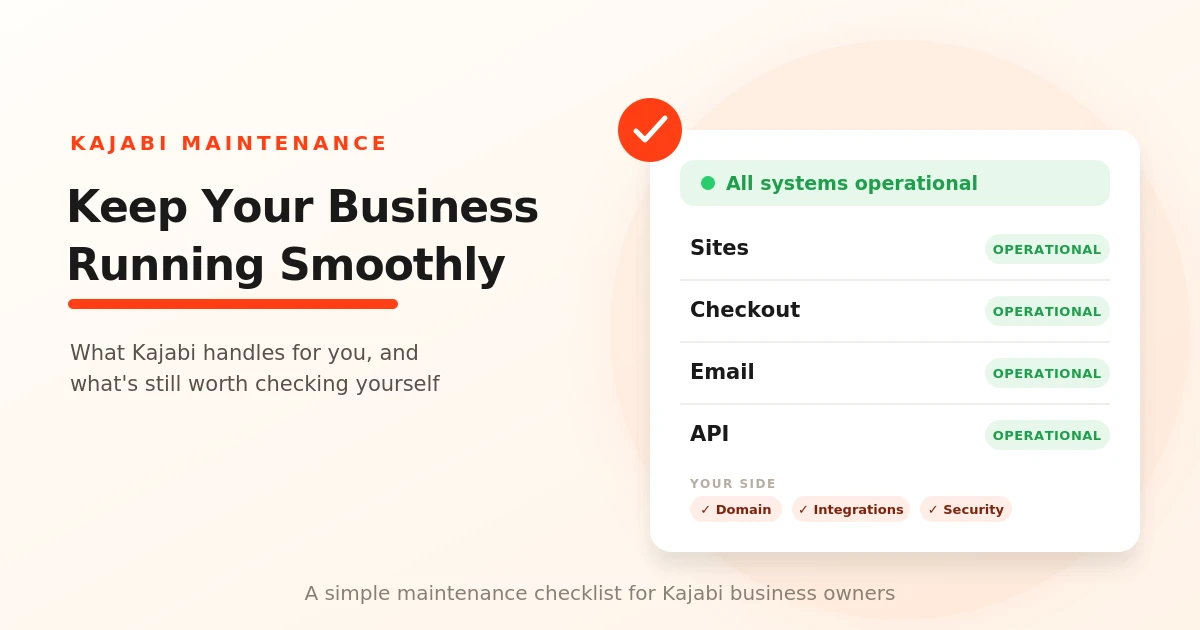
Table of Contents ▼
Quick Answer
This guide explains what Kajabi handles automatically and what business owners still need to monitor. It covers hosting, security and platform updates, website performance, custom domains, third-party integrations, account security, downtime troubleshooting, and a practical Kajabi maintenance checklist.
Key Takeaways
- Kajabi handles much of the platform infrastructure, including hosting, server maintenance, security measures, and software updates.
- Business owners should still monitor website performance, custom domains, integrations, content, analytics, and account security.
- When Kajabi issues occur, checking the Status page and performing basic browser or network troubleshooting can help identify the problem.
- A regular maintenance checklist helps catch website, integration, security, and performance problems before they affect customers.
Kajabi Maintenance for Smooth Operations
Introduction: Why Kajabi Maintenance Matters
Many Kajabi Heros sell their knowledge packed up in digital products like online courses, membership sites, and coaching services. Kajabi provides them with various tools, from payment gateways to digital product creators to marketing funnels and automations.
But why does maintenance matter?
Without regular maintenance, parts of your Kajabi business may stop working as expected. You could run into issues with customer access, payments, or marketing tools. That’s why it’s important to keep everything running smoothly and make sure your business operates as it should.
What Maintenance Does Kajabi Handle for You?
Hosting and Server Maintenance:
Hosting is an important part of any website, including Kajabi. It affects your website’s speed, security, and reliability. Kajabi handles hosting for its users, so there’s no need to find a third- party hosting provider or configure servers yourself. It’s all managed for you.
With hosting and server maintenance handled by Kajabi, you can focus on creating content for your learners instead of managing the technical infrastructure behind your website.
Platform Security and Updates:
Kajabi also handles the security and updates for your platform. It maintains security measures to help protect its systems and customer data, including compliance with standards such as SOC 2 and PCI DSS. SOC 2 is a framework that evaluates how a company protects customer data and manages its security controls, while PCI DSS is a security standard for protecting payment card information.
Kajabi also regularly updates and improves its platform, so that its users can remain worry-free about manually updating the software behind their website. This lets users focus more on running their business while Kajabi handles much of the technical work behind the platform. Though you still need to keep an eye on your content, settings, integrations, and account security.
How to Monitor Kajabi Website and Platform Performance:
Kajabi uses a caching technology called Lightning Loader that improves your website’s load time and overall performance. It works by caching your page output separately from browser caching. The more complex your site is, the more impact Lightning Loader can have on your load time.
A fast-loading website is important because, honestly, who wants to wait five minutes for a site to load? Slow loading times can frustrate visitors and may even cost you customers. That’s why keeping an eye on your website’s performance is an important part of maintaining your Kajabi platform
Keeping Custom Domains and Integrations Working:
A custom domain is what a Kajabi website uses for a branded web address instead of a regular Kajabi address. For maintenance, it’s important to keep an eye on your domain settings and DNS configuration, as problems with them can affect whether visitors can reach your website.
Kajabi also allows you to connect with third-party services through integrations, APIs, and webhooks. These connections can be used to send information between Kajabi and other services. However, an integration won’t work forever just because you connected it once. If something changes with the connected service or its authorization, you may need to reconnect or update the integration.
That’s why it’s a good idea to occasionally test your important integrations and make sure everything is still working as expected.
Protecting Your Kajabi Business Data and Content:
An Online business is important because it holds all your hard-earned content and your customers’ details. Once you start building your online course business, security should become a priority.
One of the simplest ways to protect your Kajabi account is to use a strong, unique password and keep your account credentials private. You should also avoid clicking on suspicious emails or links that could be from scammers trying to steal your login details. It’s also important to protect your devices by keeping security software and firewalls enabled. And when handling customer information, be careful about sharing sensitive personal details such as Social Security numbers or credit card information.
These may seem like small common steps, but they can go a long way in protecting not only your Kajabi business and your customers as well.
How to Handle Kajabi Downtime and Platform Issues
Sometimes the problem isn’t with your Kajabi settings at all. For example, a 500 error usually points to a server-side issue. Platform-wide problems can also happen because of issues with third-party services that Kajabi relies on. Kajabi’s Status page provides updates when parts of the platform, such as Sites, Checkout, Email, or the API, experience an issue.
If something suddenly stops working, start by checking the Kajabi Status page to see if there is a known issue or ongoing outage. If everything looks operational, the problem may be on your end. You can then try a few simple fixes:
- Clear your browser cache and try accessing Kajabi again.
- Open an incognito or private browsing window.
- Try a different browser, such as Chrome or Firefox.
- Restart your device and try again.
- Switch to another network, such as mobile data, if your current connection, firewall, or antivirus could be interfering.
If none of these work and Kajabi’s Status page shows everything is operational, you can contact Kajabi Support for further help.
Kajabi Maintenance Checklist for Business Owners
Keeping your Kajabi business running smoothly doesn’t have to mean checking everything every day. A simple maintenance routine can help you catch small problems before they turn into bigger ones.
- Check your website: Make sure important pages are loading properly and your links are working.
- Monitor website performance: Keep an eye on page speed and visitor activity to spot anything unusual.
- Test your custom domain: Make sure your branded domain is still connected and accessible.
- Check integrations: Test important connections with third-party tools to make sure they are still working.
- Review your content and data: Keep important course materials and business data organized and maintain copies of anything you don’t want to lose.
- Protect your account: Use a strong, unique password and be careful with suspicious emails or links.
- Check Kajabi’s Status page: If something suddenly stops working, check for platform-wide issues before changing your own settings. Kajabi’s status page tracks components such as Sites, Checkout, Email, and API.
- Review your analytics: Check your website and business data regularly so you can notice changes in traffic, sales, or customer activity.
Final Thoughts
Kajabi handles much of the technical work, but regular maintenance is still important. Checking your website, integrations, security, and performance can help you catch problems early and keep your business running smoothly.
Sources & References
Frequently Asked Questions
QHow often should I maintain my Kajabi website?
There is no single schedule for every business, but regular checks of your website, integrations, domain, security, and analytics can help you catch problems early.
QDoes Kajabi handle website hosting and server maintenance?
Yes. Kajabi handles the hosting and server infrastructure behind its platform, so you don't need to manage a separate hosting provider or server yourself.
QHow can I tell if Kajabi is experiencing an outage?
Check the **Kajabi Status page**, which provides updates on platform components such as Sites, Checkout, Email, and API.
QDo Kajabi integrations need regular checking?
Yes. If you rely on third-party tools for payments, analytics, email marketing, or other tasks, it's a good idea to test important integrations regularly and make sure they are still working properly.