Virtual Classroom Software LMS Integration Guide: LTI 1.3, APIs, and Attendance
An architectural comparison of LTI 1.3, REST webhooks, and automated attendance syncing when connecting virtual classroom software to an enterprise LMS.
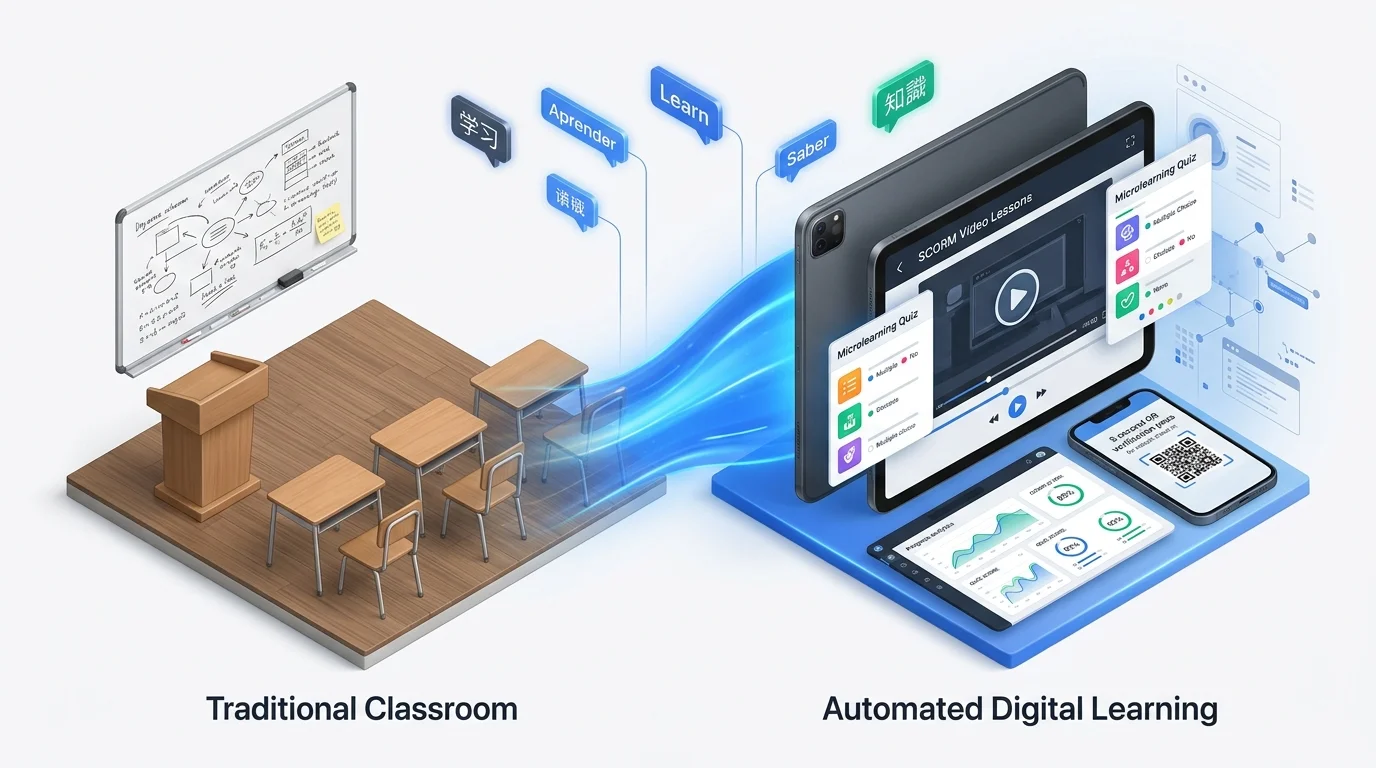
Table of Contents ▼
Quick Answer
Effective virtual classroom software LMS integration relies on 1EdTech LTI 1.3 for secure Single Sign On (SSO) and gradebook return, paired with native REST webhooks to capture exact participant join duration, late arrivals, and recording views inside immutable audit logs.
Key Takeaways
- LTI 1.3 and OAuth 2.0 replace legacy LTI 1.1 shared secrets to enforce cryptographic authentication and scoped roster provisioning.
- Attendance automation requires webhooks (such as Zoom participant_joined and participant_left events) because standard SSO launch tokens only verify clicks, not actual seat time.
- Bridging synchronous webinars with asynchronous SCORM or xAPI prework reduces manual spreadsheet reconciliation in regulated workforce cohorts.
- Dual mode virtual training architectures preserve fallback recording access and quiz gates when learners disconnect during live sessions.
Synchronizing live instruction with an institutional system of record remains one of the sharpest operational bottlenecks in virtual training. When instructors paste static conferencing URLs into calendar invites or course pages without virtual classroom software LMS integration, learning operations teams inherit manual CSV reconciliation, unverified attendance logs, and orphaned cloud recordings.
Modern integration architecture solves these failures by separating launch security, schedule provisioning, and seat duration verification across standardized protocols rather than brittle manual links.
Core Integration Protocols: LTI 1.3 vs. Native REST APIs
Learning engineering teams generally choose among three technical patterns when connecting Zoom, Microsoft Teams, Cisco Webex, or dedicated virtual classroom engines such as BigBlueButton and Class to a Learning Management System.
| Architectural Pattern | Primary Protocol | Provisioning Automation | Duration Telemetry | Primary Limitation |
|---|---|---|---|---|
| LTI 1.3 Launch | OpenID Connect and JWT | Roster synced on launch | Basic launch flag only | Requires webhook companion for seat duration |
| Native REST + Webhooks | HTTPS JSON and OAuth 2.0 | Full batch creation and updates | Exact join and leave timestamps | Platform specific payload maintenance |
| Hybrid LTI + Webhook | LTI 1.3 + REST API | Pre provisioned cohorts and live rooms | Timestamp matched percentage gates | Higher initial engineering configuration |
Why LTI 1.3 Replaced Legacy LTI 1.1
According to the 1EdTech LTI 1.3 Core Specification, legacy OAuth 1.0a shared secrets exposed institutions to replay vulnerabilities and lacked standardized token expiration. LTI 1.3 introduces asymmetric RSA public key encryption (JWKS), OpenID Connect third party initiated logins, and granular Assignment and Grade Services (AGS) scopes.
In practice, LTI 1.3 excels at ensuring that a learner clicking a live session card inside the LMS lands in the exact virtual room without entering a secondary password or manually typing a meeting passcode. However, LTI launch claims alone only prove the learner clicked the button; they do not verify whether the participant stayed for five minutes or ninety minutes.
Solving Attendance Fraud and Seat Time Reconciliation
For compliance intensive programs in healthcare, public safety, financial services, and teacher continuing education, clicking “Join Meeting” fails statutory audit standards. Regulators frequently inspect exact duration inside the virtual room.
Step 1: Authenticated Domain Matching
Unauthenticated guest joins generate display name collisions (for example, “iPhone User” or “Alex”), making automated gradebook mapping impossible. Effective virtual training configurations enforce two rules at the conferencing tenant level:
- Disallow anonymous joins for accredited cohorts, requiring participants to authenticate via organizational SSO or unique LMS generated join URLs (
registrant_idtokens). - Map unique immutable identifiers (
emailoruser_idcustom attributes) between the LMS directory and the conferencing API payload so name changes inside the video client never break completion triggers.
Step 2: Webhook Event Consumption and Threshold Rules
Instead of asking facilitators to download CSV spreadsheets after class ends, automated connectors subscribe to real time HTTP webhooks documented in vendor developer portals such as Microsoft Graph MeetingAttendanceReport and Zoom Developer API Webhooks.
When a session concludes, the integration middleware calculates cumulative active minutes by aggregating separate reconnect intervals (handling temporary Wi Fi drops cleanly) and compares the sum against an administrative policy rule:
- Full Attendance Status: Cumulative connected duration meets or exceeds the configured percentage (commonly 80 percent to 90 percent of scheduled minutes).
- Partial Attendance Queue: Connected duration falls between 30 percent and 79 percent, routing the learner to an automated make up recording and quiz gate.
- No Show Re Enrollment: Zero join events trigger automatic waitlist notification or manager alert emails.
Bridging Synchronous Sessions with Asynchronous SCORM and xAPI
Live webinars rarely stand alone inside mature enterprise academies. Organizations increasingly treat live virtual training as one milestone inside a strict prerequisite sequence rather than an isolated video call.
Pre Session Readiness Gates
Before a learner unlocks the LTI launch button or personalized join link, the LMS validates completion of foundational SCORM 1.2 or IEEE xAPI baseline modules. This prevents facilitators from spending the first twenty minutes of expensive instructor time explaining terminology that belongs in self paced microlearning.
Recording Ingestion and Accessibility Compliance
Live instruction creates immediate accessibility obligations for absent learners and distributed time zones. Manual downloading and re uploading of multi gigabyte MP4 recordings drains instructional design bandwidth. Clean architectures automate three post session steps:
- Cloud Recording Transfer: Once video transcoding finishes on Zoom or Teams servers, the webhook delivers a signed download URI to the LMS object storage bucket or enterprise video host.
- Automated Caption Alignment: VTT transcript files generated during the live call attach directly alongside the player to satisfy WCAG 2.2 AA captioning standards.
- Asynchronously Tracked Credit: Learners unable to attend live watch the archived recording inside an xAPI or adaptive completion player paired with a verified knowledge check, keeping audit trails uniform.
Evaluating Vendor Capabilities Before Deployment
Whether administering a custom open source Moodle instance, deploying proprietary corporate platforms, or licensing structured enterprise environments like TheEduAssist Learn, procurement and IT security teams should validate five technical requirements prior to signing annual contracts:
- Timezone Normalization: Confirm whether calendar
.icsinvitations automatically adapt to local learner browser profiles while keeping master cohort schedules anchored to UTC. - Waitlist and Cohort Capacity Enforcement: Verify whether dropping from a full live cohort automatically promotes the next waitlisted participant and generates their unique conferencing registrant link.
- Multi Tenant Rate Limit Handling: Large organizations running dozens of concurrent regional workshops simultaneously must confirm the middleware implements exponential backoff queues to avoid HTTP 429 API throttling errors.
- Sub Account Co Host Assignment: Instructors frequently rotate across regions; confirm the integration assigns alternative host permissions dynamically from LMS facilitator roles without exposing global tenant admin credentials.
- Immutable Audit Exports: Confirm that every recorded minute displays source attribution distinguishing live webhook attendance from asynchronous recording completion during external inspections.
Explore related engineering guides on SCORM vs xAPI architectural selection and HRIS and Teams LMS integration workflows to align live delivery infrastructure with institutional reporting goals.
Evaluating Your Learning Stack or Course Architecture?
Whether modernizing legacy SCORM packages, auditing Section 508 WCAG compliance, or validating multi-tenant LMS migrations, our instructional engineering team offers a structured technical assessment.
Sources & References
Frequently Asked Questions
QWhat is the technical difference between LTI 1.3 and a direct REST API integration for virtual training?
LTI 1.3 standardizes how a user securely launches a virtual classroom session directly inside the LMS interface using OpenID Connect and JSON Web Tokens. Direct REST APIs and webhooks operate server to server in the background to provision recurring meeting links, retrieve participant duration logs, and sync cloud recordings without requiring user clicks.
QDoes LTI 1.3 automatically track how many minutes a learner stayed in a Zoom or Microsoft Teams call?
Not by itself. Core LTI 1.3 handles authentication and assignment launch, while Assignment and Grade Services (AGS) returns numeric scores. Measuring exact minutes attended requires polling or subscribing to native meeting telemetry APIs (such as Microsoft Graph callRecords or Zoom Webinar reports) and applying a minimum threshold rule inside the LMS.
QHow do regulated industries verify identity during remote virtual classroom sessions?
Organizations combine enforced authenticated SSO joins (disabling anonymous meeting links), random mid session attention checks or polling questions, and post session assessment gates tied to supervisor verification in the LMS.
QShould we embed virtual training inside SCORM packages or launch sessions natively from the LMS calendar?
Native LMS session objects backed by REST APIs are preferable for live virtual instructor led training (VILT) because SCORM packages cannot dynamically enforce live recurring schedules, waitlist promotions, or breakout room telemetry across changing meeting IDs.