
From Documents to Digital Learning: Exploring DocScorm AI
Learn how DocScorm AI fits into document-to-SCORM workflows, helping organizations explore ways to transform existing training materials into structured digital learning experiences. Discover practical workflows, LMS compatibility considerations, and best practices for creating effective e-learning courses.
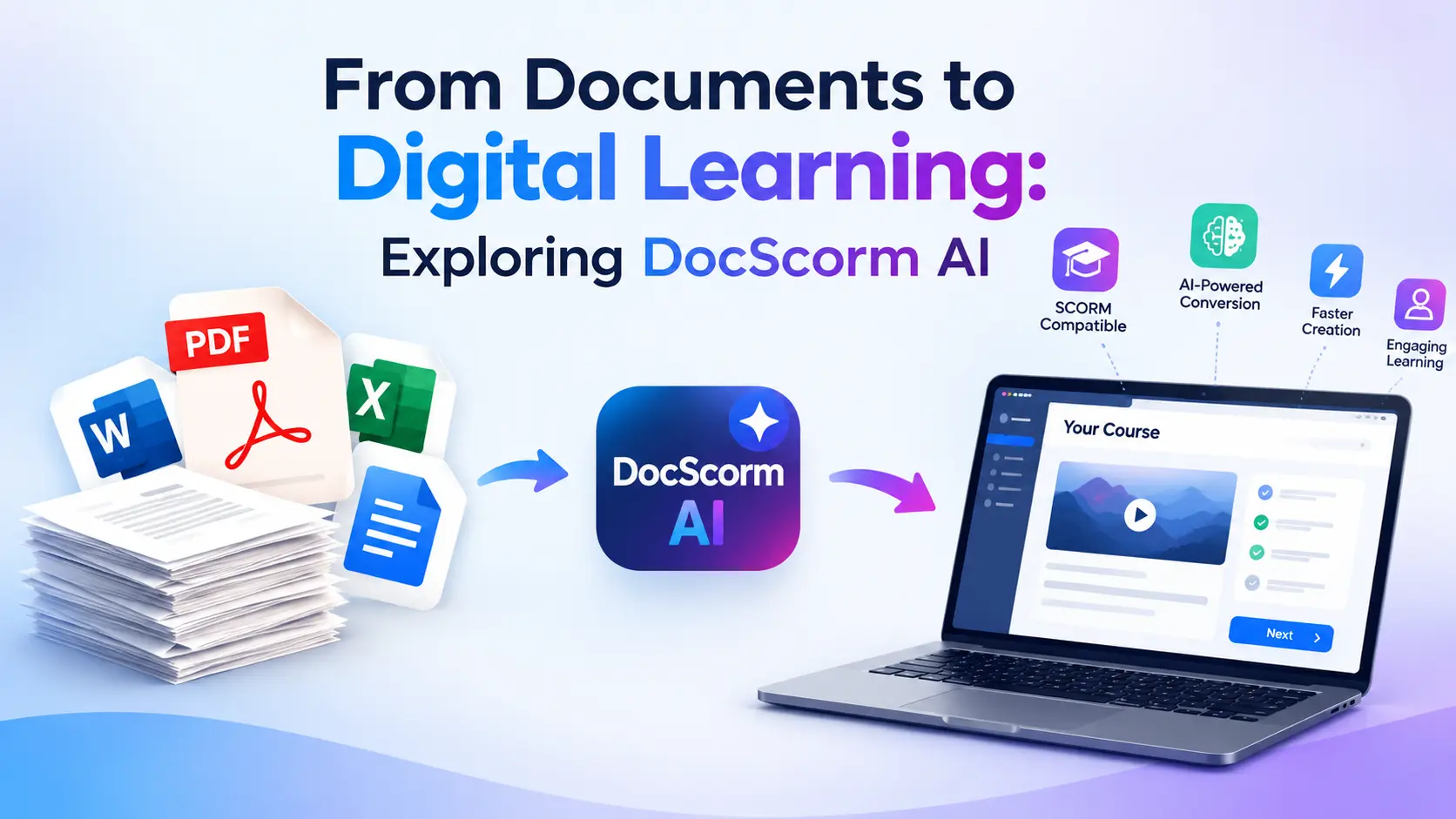
Table of Contents ▼
Quick Answer
DocScorm AI explores how AI-assisted workflows can transform existing documents into structured digital learning experiences. Learn how document-to-SCORM conversion can support course development, improve training organization, and prepare learning materials for compatible Learning Management Systems (LMS). Discover practical workflows, key benefits, and best practices for creating effective, accessible, and accurate e-learning courses.
Key Takeaways
- Convert Documents into Learning Content: Explore how documents, PDFs, and presentations can be transformed into structured digital learning materials.
- Understand SCORM: SCORM helps e-learning courses communicate with compatible Learning Management Systems (LMS).
- Use AI Responsibly: Review AI-generated lessons, summaries, and quizzes to ensure accuracy and relevance.
- Test Before Publishing: Check course navigation, assessments, and progress tracking in your LMS.
- Prioritize Accessibility and Security: Make learning content accessible and protect sensitive information during document processing.
Businesses, educational institutions, and training teams often have valuable knowledge stored in documents. Employee handbooks, PDF guides, PowerPoint presentations, and technical manuals contain information that learners need, but reading a document is not always enough to create an effective learning experience.
Organizations increasingly need training that is structured, accessible, measurable, and compatible with their existing learning platforms. This creates an opportunity for AI-assisted course development.
DocScorm AI is relevant to the growing interest in transforming document-based materials into digital learning content. By exploring document-to-SCORM workflows, training teams can understand how existing resources might be adapted for online courses without rebuilding every lesson manually.
In this guide, TheEduAssist explores the relationship between AI-assisted course creation, SCORM technology, and modern digital training. It also explains the practical steps, limitations, and quality checks organizations should consider before adopting a document-to-course workflow.
What Is DocScorm AI?
DocScorm AI can be explored in the context of document-based e-learning and SCORM course preparation. The precise capabilities of the product, including supported file formats and export options, should be confirmed through its current official documentation.
To understand this type of workflow, consider three connected activities:
- Document preparation: Organizing existing training information and removing outdated content.
- Course development: Structuring information into lessons, examples, learning activities, and assessments.
- LMS delivery: Preparing compatible course packages for a Learning Management System (LMS).
AI-assisted tools may help with parts of the preparation process, depending on their features. SCORM provides the technical framework that allows compatible e-learning content to communicate with an LMS.
The important distinction is that AI-assisted content preparation and SCORM packaging solve different problems. Both may contribute to a digital learning workflow, but neither automatically guarantees a high-quality course.
Why Are Organizations Moving from Documents to Digital Learning?
Traditional documents remain valuable reference materials. However, they may not provide the interaction and tracking required for structured employee training.
Imagine a company that distributes a 35-page onboarding manual to new employees. The manual explains company policies, communication procedures, and workplace responsibilities. Employees can read the information, but the company may have limited visibility into their understanding or progress.
A structured digital course can organize the same information into smaller lessons, include knowledge checks, and support progress reporting through a compatible LMS.
Common reasons for modernizing document-based training include:
Improved organization: Long documents can be divided into lessons with clear learning objectives.
More opportunities for practice: Relevant activities and assessments can help learners apply what they have read.
Progress monitoring: An appropriately configured LMS may record supported completion and assessment data.
Content reuse: Existing approved materials can provide the foundation for digital courses.
Simpler maintenance: Updated source documents can guide revisions to the corresponding course.
These benefits depend on the quality of the original content, the tools used, and the way the course is designed and implemented.
Understanding SCORM and Its Role in E-Learning
SCORM stands for Sharable Content Object Reference Model. It is a collection of technical specifications that supports the delivery of e-learning content through compatible LMS platforms.
According to SCORM.com, SCORM helps e-learning content and LMS platforms communicate through defined technical methods and data models.
As its website explains, SCORM supports content compatibility so that an LMS can import, launch, and track supported learning activities.
This is important for organizations that want to use their existing LMS to deliver courses created with a separate authoring tool.
A SCORM package commonly contains course files and a manifest that describes the package’s structure. The exported package is often delivered as a ZIP file.
However, not every ZIP file containing learning materials is a valid SCORM package. The package must meet the applicable technical requirements, and the LMS must support the relevant SCORM version.
Organizations can consult the SCORM technical documentation to understand packaging, runtime communication, and compatibility requirements.
How a Document-to-Digital-Learning Workflow Works
A practical document-to-course process involves more than uploading a file. The following steps explain how a training team could approach the process using a suitable AI-assisted authoring tool.
Step 1: Select and Prepare the Source Documents
Start with materials that contain accurate and approved information.
Suitable examples may include:
- Employee onboarding manuals
- Product training guides
- Customer service procedures
- Compliance training materials
- Standard operating procedures
- Educational study guides
- Technical documentation
Review the documents before using them. Remove obsolete instructions, resolve conflicting information, and check that the content is appropriate for the intended learners.
If documents contain scanned pages, optical character recognition (OCR) may be necessary to extract text. Tables, charts, and diagrams may require additional manual review.
Also, confirm that the selected tool supports the source file format and follow the organization’s data-protection requirements.
Step 2: Organize the Content into Lessons
A long document is not automatically a well-designed course.
For example, a workplace safety manual might cover hazard identification, protective equipment, incident reporting, and emergency procedures. These topics can be organized into separate modules with clear objectives.
AI-assisted tools may help suggest lesson headings, summarize sections, or group related information when those capabilities are available.
An instructional designer should review the proposed structure to ensure that important details are retained and the learning sequence makes sense.
Step 3: Add Learning Activities and Assessments
Digital learning becomes more useful when learners have opportunities to check their understanding.
Depending on the authoring tool, the course development process may include:
- Multiple-choice knowledge checks
- Short scenario-based exercises
- Practical examples
- Module summaries
- Reflection questions
- End-of-course assessments
For example, a customer service course could present a complaint-handling scenario and ask learners to select the most appropriate response.
Any AI-generated questions should be checked against the source material. Correct answers, explanations, and assessment difficulty should reflect the course objectives.
Step 4: Prepare the SCORM Package
If the selected tool supports SCORM export, the course can be prepared for deployment through a compatible LMS.
Before exporting, confirm which SCORM versions are available, such as SCORM 1.2 or SCORM 2004. Check the destination LMS requirements rather than assuming every platform supports every version or feature.
For technical guidance, the Advanced Distributed Learning SCORM guide explains important concepts related to reusable content and course packaging.
Step 5: Test the Course in the LMS
After importing the package, test it as a learner.
Check that lessons load correctly, navigation works, assessment results are recorded, and completion status is reported as expected.
Also review the appearance of images, tables, links, and special characters. If the course includes bookmarking or resume functionality, test those features as well.
The SCORM Cloud documentation provides useful technical resources for understanding SCORM content delivery and testing.
Step 6: Maintain and Update the Course
Training content changes over time. Policies are revised, products receive updates, and procedures evolve.
Maintain a record of the source document, course version, review date, and approval status. When content changes, update the affected lessons and assessments, then test the new package before replacing the existing course.
This process helps organizations reduce confusion and maintain consistent training materials.
Practical Example: Converting an Employee Training Manual
Consider a company that has a detailed employee handbook but wants to deliver onboarding through its LMS.
The training team could use the handbook as the starting point for a structured course.
| Course module | Example content |
|---|---|
| Company policies | Workplace expectations and responsibilities |
| Information security | Password safety and data protection |
| Communication | Internal communication procedures |
| Reporting procedures | How to report incidents or concerns |
| Knowledge assessment | Questions based on approved policies |
The team would review the source information, organize it into lessons, develop relevant knowledge checks, and obtain approval from the appropriate subject-matter experts.
If a suitable tool supports SCORM export, the resulting course could then be tested in the company’s LMS.
Once the course is deployed, the LMS may provide supported completion and assessment information that managers can use to identify additional training needs.
This example demonstrates a possible workflow rather than a claim that DocScorm AI automatically performs every step.
Potential Benefits of AI-Assisted Course Development
Reusing existing knowledge
Organizations may already have years of useful training information. Reusing approved materials can provide a foundation for digital learning instead of requiring every course to start from scratch.
Reducing repetitive preparation
Depending on the available features, AI may help organize content, draft summaries, or prepare assessment questions. This can reduce some manual work, leaving more time for reviewing accuracy and improving the learning experience.
Creating a consistent structure
A repeatable workflow can help training teams use similar lesson formats, objectives, and assessment practices across different departments.
Supporting LMS-based delivery
SCORM-compatible courses can be imported into compatible learning platforms, helping organizations manage delivery and supported tracking through their existing systems.
Improving the update process
When source documents change, training teams can identify the affected course sections and update them accordingly. Clear version control helps maintain consistency.
These are potential benefits of a well-designed workflow, not guaranteed results from any individual product.
Challenges to Consider Before Using DocScorm AI
Before adopting DocScorm AI or another document-to-course tool, organizations should evaluate several areas.
Content accuracy: Automated processing may omit qualifications, misinterpret tables, or produce unsupported explanations.
File compatibility: The tool may not support every file type, document structure, or embedded media format.
SCORM compatibility: Confirm the supported export version and test the resulting package in the target LMS.
Editing flexibility: Review whether the course can be corrected and reorganized before publication.
Privacy and security: Check how uploaded documents are stored, processed, and protected. Do not upload confidential information without authorization.
Accessibility: Review keyboard navigation, text readability, alternative text, color contrast, and other relevant accessibility requirements.
Pricing and limitations: Verify current subscription terms, export restrictions, document limits, and available features directly with the provider.
A small pilot project using non-confidential content can help an organization evaluate these requirements before committing to a larger rollout.
Why Accessibility and Human Review Matter
A course may work technically but still create difficulties for some learners. Automated conversion does not guarantee accessible design or accurate instructional content.
The World Wide Web Consortium’s Web Accessibility Initiative provides guidance for improving access to digital content.
Its resources explain that accessibility work helps make digital experiences more usable for people with disabilities. See the W3C Web Accessibility Initiative for standards and practical guidance.
When reviewing a converted course, consider:
- Clear headings and readable text
- Logical navigation and keyboard access
- Alternative text for meaningful images
- Captions or transcripts for relevant media
- Sufficient color contrast
- Clear assessment instructions
- Accurate feedback and explanations
Human review is especially important for safety, healthcare, legal, and compliance training, where errors may have serious consequences.
DocScorm AI and Traditional E-Learning Authoring
Document conversion and traditional course authoring can serve different needs.
| Area | Document-to-course workflow | Traditional authoring |
|---|---|---|
| Starting point | Existing documents | Planned lessons and source materials |
| Content organization | May assist with initial structuring | Often requires more manual instructional planning |
| Interactivity | Depends on available features | Can support detailed customization |
| Editing | Depends on tool capabilities | Depends on the authoring platform |
| Quality control | Human review remains necessary | Human review remains necessary |
| Best suited for | Preparing existing information for digital delivery | Developing highly customized learning experiences |
A document-to-course workflow may be appropriate for straightforward onboarding or policy training. Complex simulations, branching scenarios, and specialized assessments may require more extensive instructional design.
Organizations should also consider their delivery platform. TheEduAssist’s guides to LMS implementation and the best Learning Management Systems can help teams explore the wider requirements of digital learning deployment.
Frequently Asked Questions
What is DocScorm AI used for?
DocScorm AI can be explored as part of document-to-e-learning workflows. Its actual features, supported document formats, and SCORM export capabilities should be verified through current product documentation.
Can documents be converted into SCORM courses?
Yes, suitable authoring workflows can use documents as source material to develop SCORM-compatible courses. The process may require content restructuring, assessment design, editing, and technical testing.
Does a SCORM course work with every LMS?
No. LMS platforms vary in their supported SCORM versions and technical implementations. Test the course in the intended platform before deployment.
Does AI-generated course content need human review?
Yes. AI-generated content may contain errors, omissions, or unsupported statements. Review it against approved source materials before publishing.
Is SCORM enough to make an online course effective?
No. SCORM supports technical interoperability, but effective learning also requires clear objectives, accurate content, suitable activities, accessibility, and thoughtful instructional design.
Can an existing course be updated?
Course content can generally be revised using the relevant authoring workflow, although the exact process depends on the tool. Test updated packages and check how the LMS handles existing learner progress before replacing a course.
Conclusion
Moving from documents to digital learning is not simply a matter of changing file formats. It involves organizing knowledge, designing meaningful learning experiences, preparing compatible course packages, and checking that the final content works for its intended audience.
DocScorm AI is worth exploring within this broader process, provided its verified capabilities meet the organization’s requirements. A reliable workflow combines suitable source documents, AI-assisted preparation where appropriate, expert review, accessibility checks, and LMS testing.
For organizations looking to modernize training, the priority should be to create courses that are accurate, accessible, easy to maintain, and useful to learners. TheEduAssist offers additional resources on learning platforms and implementation practices to help teams plan that process.
Need Help Building or Scaling Your Online Learning Program?
Whether you are launching an academy on Kajabi, modernizing corporate LMS modules, or converting raw expertise into accredited curriculum, our senior instructional designers provide a complimentary architecture evaluation.
Frequently Asked Questions
QWhat is DocScorm AI used for?
DocScorm AI can be explored as part of document-to-e-learning workflows. Its actual features, supported document formats, and SCORM export capabilities should be verified through current product documentation.
QCan documents be converted into SCORM courses?
Yes, suitable authoring workflows can use documents as source material to develop SCORM-compatible courses. The process may require content restructuring, assessment design, editing, and technical testing.
QDoes a SCORM course work with every LMS?
No. LMS platforms vary in their supported SCORM versions and technical implementations. Test the course in the intended platform before deployment.
QDoes AI-generated course content need human review?
Yes. AI-generated content may contain errors, omissions, or unsupported statements. Review it against approved source materials before publishing.
QIs SCORM enough to make an online course effective?
No. SCORM supports technical interoperability, but effective learning also requires clear objectives, accurate content, suitable activities, accessibility, and thoughtful instructional design.
QCan an existing course be updated?
Course content can generally be revised using the relevant authoring workflow, although the exact process depends on the tool. Test updated packages and check how the LMS handles existing learner progress before replacing a course.
