Many course creators often reach a point in their journey where their course content is ready, but the platform holding it back feels outdated.
Perhaps you built a training program years ago on an old Learning Management System, exported the videos and lesson files, and now want to relaunch the program with a more modern platform.
This situation is surprisingly common among coaches, educators, and digital entrepreneurs in Texas cities like Austin, Dallas, Houston, and San Antonio. They already have a complete course — often structured as a 6-week program with multiple lessons per week, videos, and exercises — but need help selecting a modern LMS and setting everything up properly.
The good news is that relaunching a course on a new platform can dramatically improve the learning experience. With the right instructional design framework, LMS setup strategy, and course structure, creators can turn an older course into a scalable and engaging digital learning product.
In this guide, we’ll walk through a step-by-step framework for launching a 6-week online course on a new LMS.
Step 1: Evaluate the Best LMS Platform for Your Course
The first step is selecting a platform that fits your teaching style and business model.
Popular LMS platforms for course creators include:
- Kajabi — Ideal for coaches and educators who want an all-in-one platform that includes course hosting, community features, and marketing funnels.
- Thinkific — Well-suited for creators focused primarily on course creation and learner experience.
- LearnDash — A WordPress-based LMS that offers advanced customization and SCORM compatibility.
Key factors to consider:
- Course structure flexibility
- Student engagement features
- Integration with existing tools
- Ease of content migration
- Scalability for future courses
For many course creators relaunching a program, the priority is simplicity and a reliable student experience.
Step 2: Rebuild the Course Structure Using Instructional Design
When migrating content from an older system, this is the perfect time to refine the curriculum design.
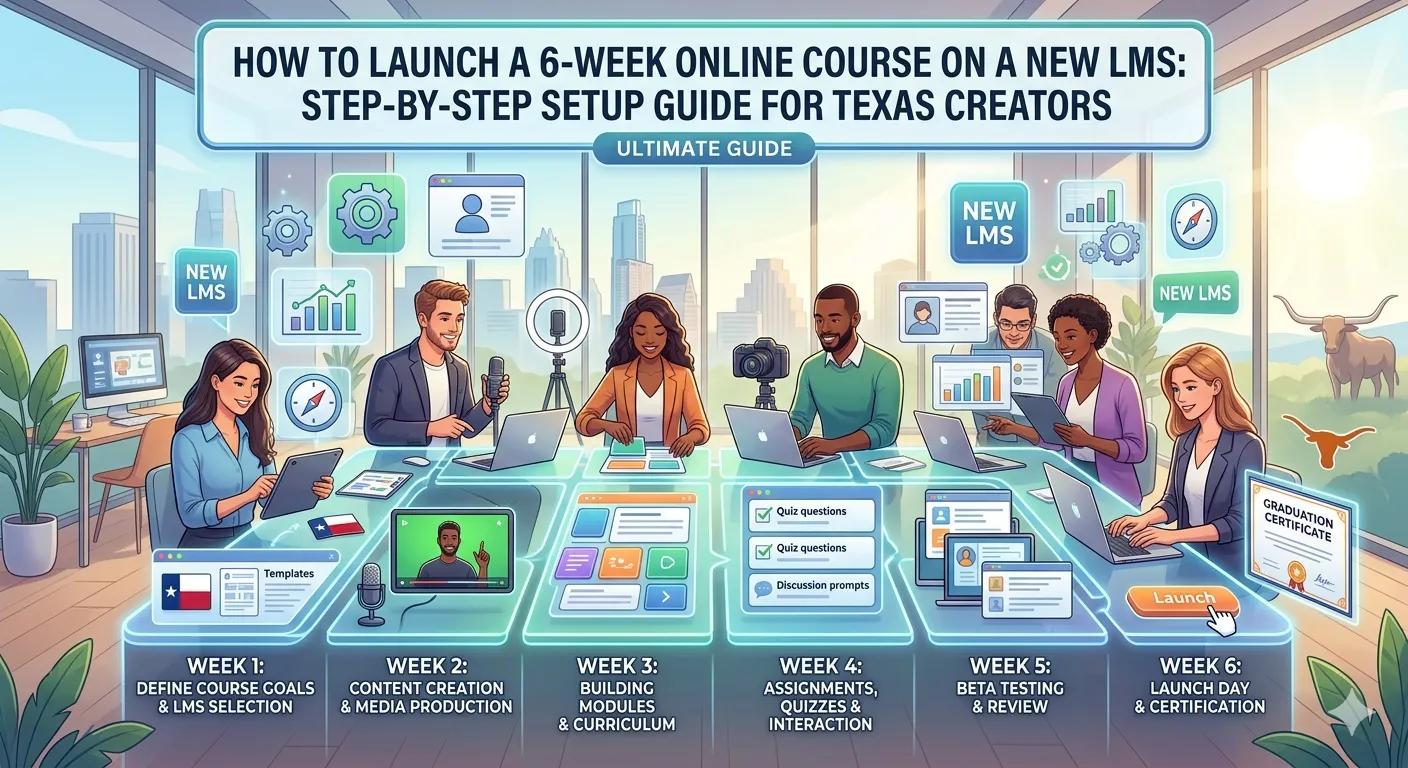
A typical 6-week course structure:
Week 1: Foundations and key concepts
Week 2: Core frameworks and theory
Week 3: Practical tools and demonstrations
Week 4: Applied exercises and case studies
Week 5: Advanced strategies
Week 6: Implementation and final project
This structure aligns with adult learning principles (andragogy) by gradually moving learners from theory to practical application.
Many successful programs also break lessons into microlearning segments, making it easier for learners to absorb information and complete the course.
Step 3: Upload and Organize Course Content
For a 6-week program with 6 lessons per week, your course will typically include:
- 36 total lessons
- 24 instructional videos
- Worksheets and exercises
- Quizzes or reflection prompts
Best practices for organizing content:
- One learning objective per lesson
- Shorter videos (5–10 minutes when possible)
- Clear exercise instructions
- Downloadable resources
This structure improves both learning clarity and completion rates.
Step 4: Improve Video Lessons With Educational Editing
Video remains the core learning medium in most digital courses.
Enhance lessons through:
- On-screen graphics and callouts
- Slide overlays
- Visual demonstrations
- Chapter markers
- Highlighted key concepts
Many course creators also use tools like Canva, Articulate Storyline, or Articulate Rise 360 to build interactive learning modules that complement video lessons.
Step 5: Add Engagement Features
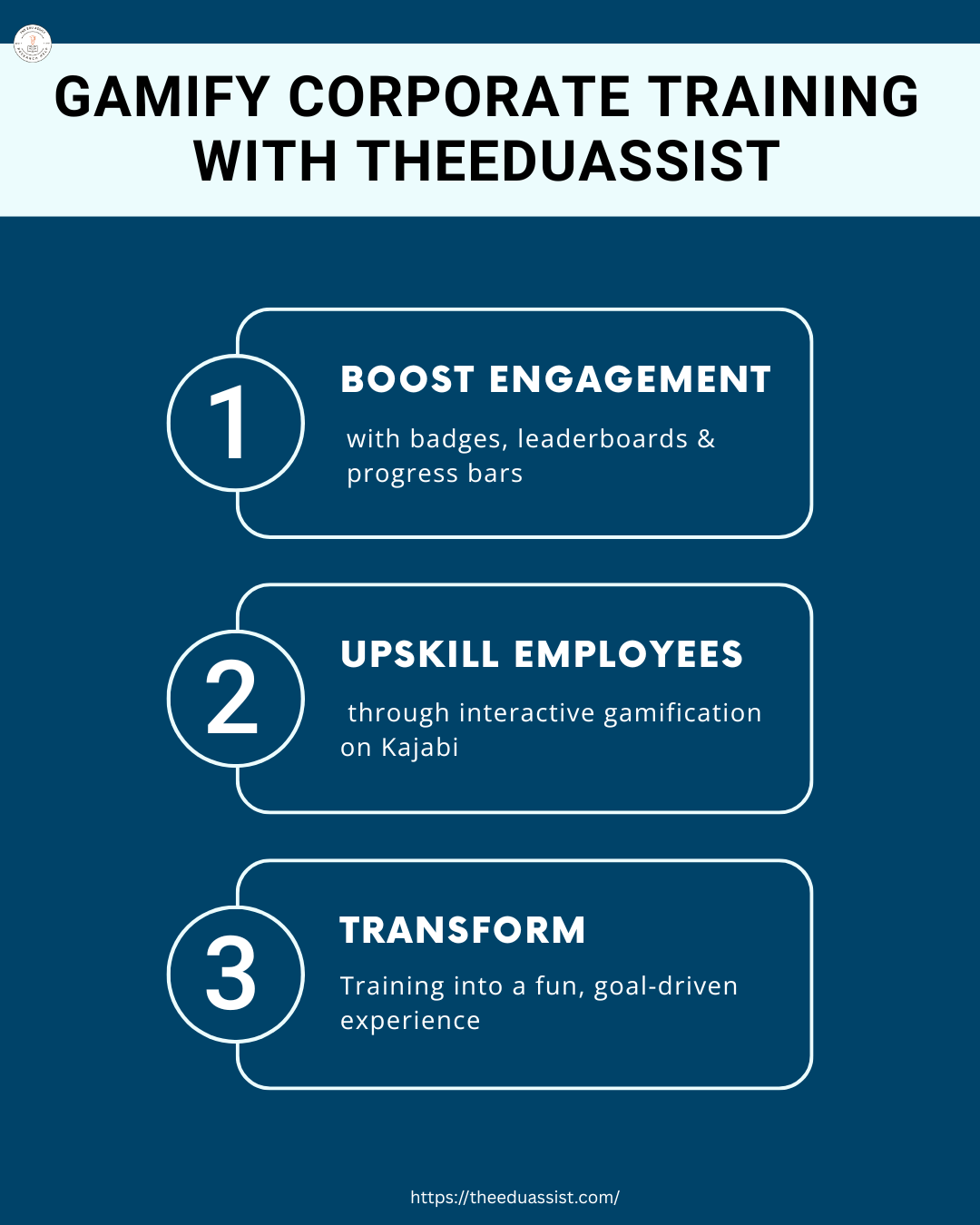
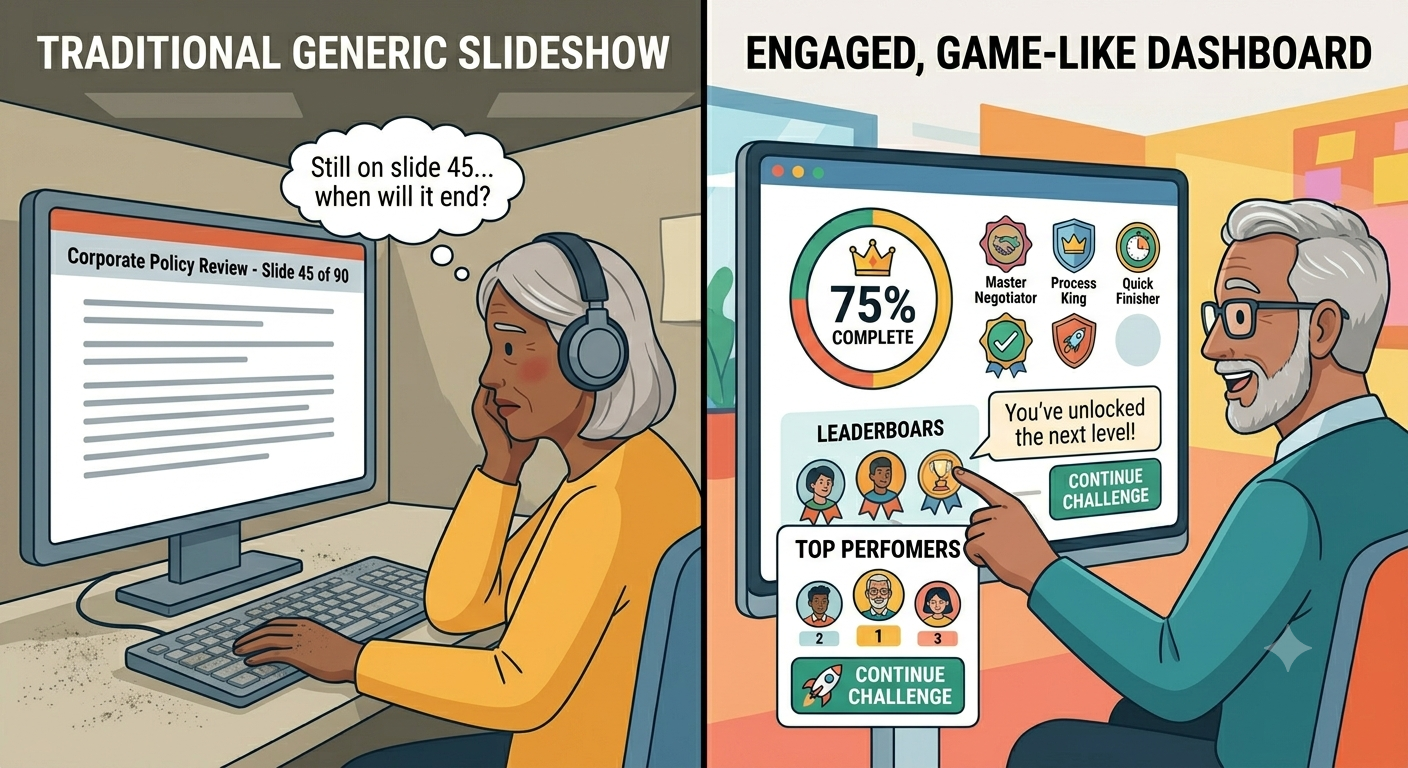
One of the biggest advantages of a modern LMS is the ability to add interactive learning elements.
Include these features:
- Quizzes after each module
- Discussion forums
- Peer feedback assignments
- Progress tracking dashboards
- Certificates of completion
Interactive learning significantly improves student engagement and knowledge retention.
Step 6: Schedule Drip Content for the 6-Week Learning Journey
For structured programs, drip content scheduling works extremely well.
Example schedule:
- Week 1 lessons unlock on enrollment
- Week 2 unlocks after 7 days
- Week 3 unlocks after 14 days
This structure mirrors the pace of a traditional classroom and encourages learners to stay on track.
Step 7: Test the Student Experience Before Launch
Before reopening enrollment, always test the course as if you were a student.
Check for:
- Broken links
- Video playback issues
- Incorrect lesson order
- Quiz functionality
- Mobile compatibility
Testing ensures the course feels professional and easy to navigate.
How TheEduAssist Helps Course Creators Relaunch and Scale Online Programs:
TheEduAssist supports course creators and EdTech businesses with:
- Instructional design and curriculum development
- Custom eLearning course development
- LMS implementation and migration
- Interactive learning module creation
- Educational video production and editing
- Microlearning content development
These services help transform existing course material into a structured, engaging digital learning experience ready to scale.
References:
- https://www.coursebox.ai/blog/online-learning-statistics?utm
- https://www.openlms.net/lms-extensions/k16-solutions/#:~:text=Migrate%20Course%20Content%20Provide%20a%20fully%20integrated,structure%2C%20quizzes%2C%20tests%2C%20and%20even%20question%20pools.
Final Thoughts
If you already have a complete 6-week course program, you’re closer to launching than you might think.
By selecting the right LMS platform, refining the curriculum design, and improving the learning experience, creators in Austin, Dallas, Houston, and San Antonio can relaunch their programs with far greater impact.
Treat the LMS migration not as a technical task — but as an opportunity to upgrade the learning experience for modern online students.
FAQs:
What is the best LMS for launching a 6-week online course?Popular platforms include Kajabi, Thinkific, and LearnDash, which support structured course programs, drip content scheduling, and interactive learning features.
How long does it take to migrate a course to a new LMS?If the course content is already prepared, migration typically takes 1–3 weeks, depending on the complexity of the lessons and interactive elements.
Should I redesign my course when switching platforms?Yes. Migrating to a new LMS is a great opportunity to improve instructional design, microlearning structure, and student engagement features.
How can TheEduAssist help relaunch an online course?TheEduAssist helps course creators migrate content to modern LMS platforms, improve curriculum structure, develop interactive learning modules, and produce engaging educational content.
What content should a 6-week online course include?Most successful programs include video lessons, downloadable exercises, quizzes, and structured weekly modules designed around clear learning outcomes.
Authored By: Sofia Arif